

Bad internet provider services or wifi router problems..? DNS switch may help!
Changes the DNS server setting on ROOTED Android devices.
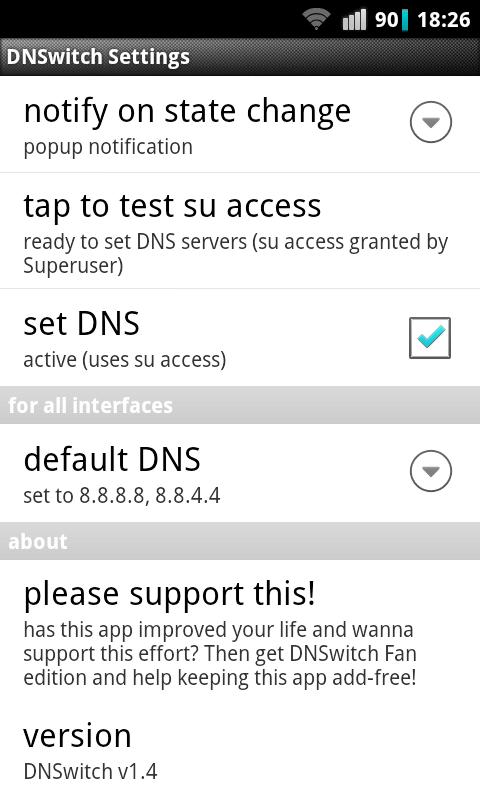
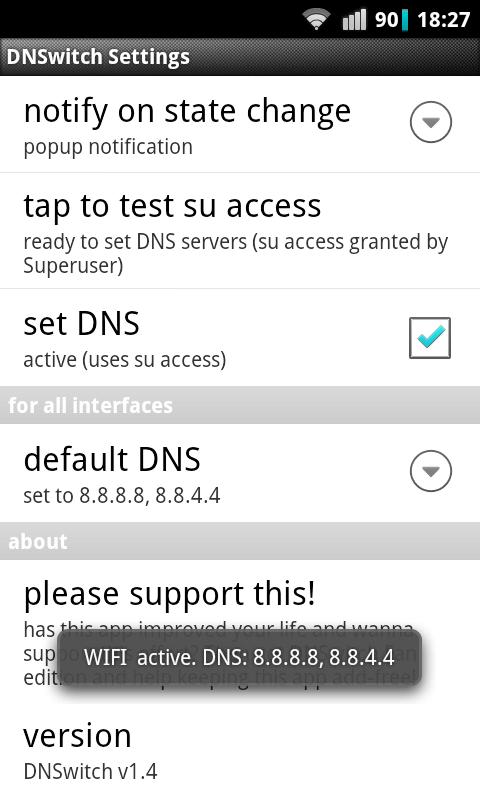
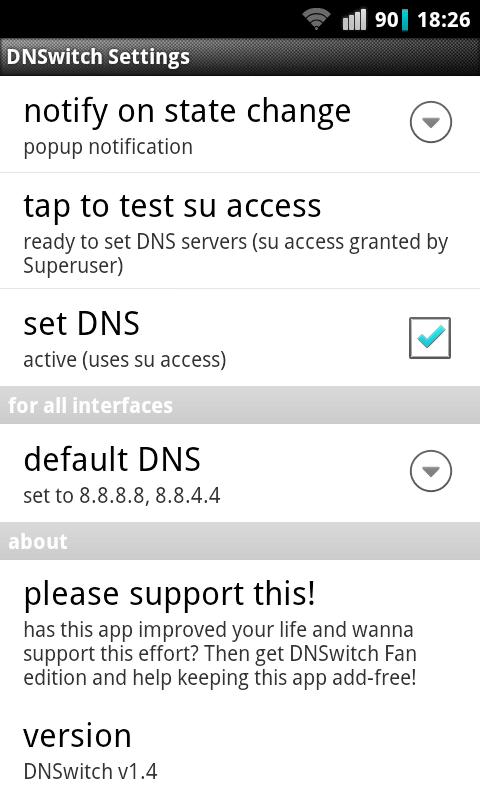
Activate 'set DNS' in the settings screen, enter your DNS servers and reconnect. That's it! :-)
IMPORTANT: not having Google's developer team around, who are supposed to get this job done! ;-)
Before installing (in particular on 4.4!) test if DNSwitch will work on your device with this terminal command -- it sets your DNS to google's; to get rid of it, simply reconnect:
su -c "setprop net.dns1 8.8.8.8"
Features in a nutshell:
( ) ad-free
( ) simple, clean interface
( ) works with mobile data, WiFi/WLAN, Bluetooth/USB tethering
( ) IPv6 support (work in progress)
( ) optional notification, needs no root:
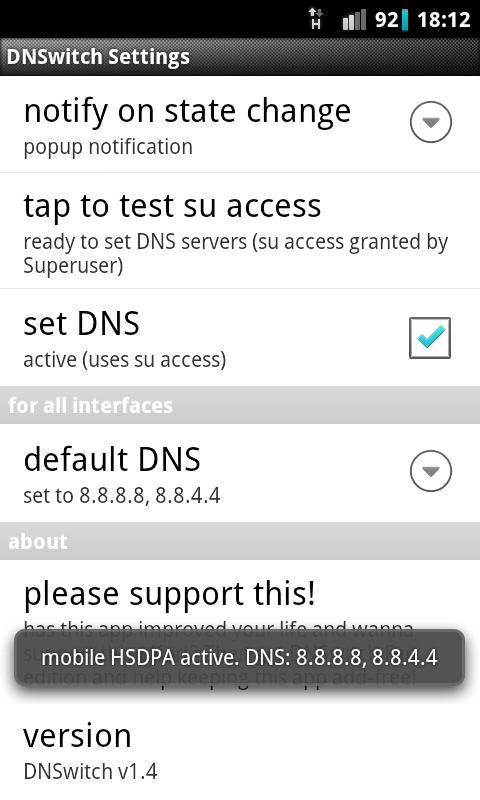
-- network type (3G, WiFi, etc.) and DNS setting at connect
-- when data net connectivity has been lost
( ) root/su permission checker
Always consider reviews are faked by dubious guys!
https://apptentive.com/blog/fake-reviews-google-play-apple-app-store/
BUT, I am always happy about constructive reviews!
Further remarks:
* Examples of publicly available and reliable DNS servers at the time of this writing are (ready for copy'n'paste into the DNSwitch settings):
Google Public DNS: 8.8.8.8,8.8.4.4
Open DNS services: 208.67.222.222,208.67.220.220
* You need to have root privileges on your device to alter your DNS settings. Upon setup in the app's settings screen and at your first network reconnect some app named 'superuser' or similar should pop up asking you to grant access to su for DNSwitch.
* If root/su access isn't granted then setting your DNS won't work. You can usually instruct the superuser app to not bother you about DNSwitch anymore - check its settings!
* Overriding your network DNS settings can be useful if your wifi box isn't properly configured or your internet provider servers are giving you hard times. In such scenarios DNSwitch can simply save your day. :-)
* Receiving notification on the current DNS setting without checking 'set DNS' may help to test your device for proper configuration and/or if it receives correct settings from your network. This feature works on devices without root.
* If DNSwitch doesn't work you should post a bug report to your android ROM developer. Keeping me up to date on such MOD issues with DNSwitch is very welcome, of course. Please always name the device and ROM/MOD version and provider when contacting me. Also providers seem to be messing with the DNS... telling it could help others!
* Some negatve reviews come from the frustration of flashing buggy custom ROMs. Some reports point at a buggy version of busybox' nslookup or stock ROMs with altered DNS code.
...and finally something for terminal junkies! :-)
Here goes what happens after you put the 'set DNS' feature of DNSwitch to action...
initially, the default settings are used in some terminal app when performing some name resolution - uses the provider's service (Server: 192.168.43.1)...
u0_a40@android:/ $ nslookup google.com
Server: 192.168.43.1
Address 1: 192.168.43.1
Name: google.com
Address 1: 173.194.35.161 muc03s02-in-f1.1e100.net
...
Address 12: 2a00:1450:4016:801::100e muc03s02-in-x0e.1e100.net
...and now installed and activated DNSwitch - Server has changed to 8.8.8.8...
u0_a40@android:/ $ nslookup google.com
Server: 8.8.8.8
Address 1: 8.8.8.8 google-public-dns-a.google.com
Name: google.com
Address 1: 173.194.44.33 muc03s08-in-f1.1e100.net
...
Address 12: 2a00:1450:4016:803::1006 muc03s08-in-x06.1e100.net











 Download