

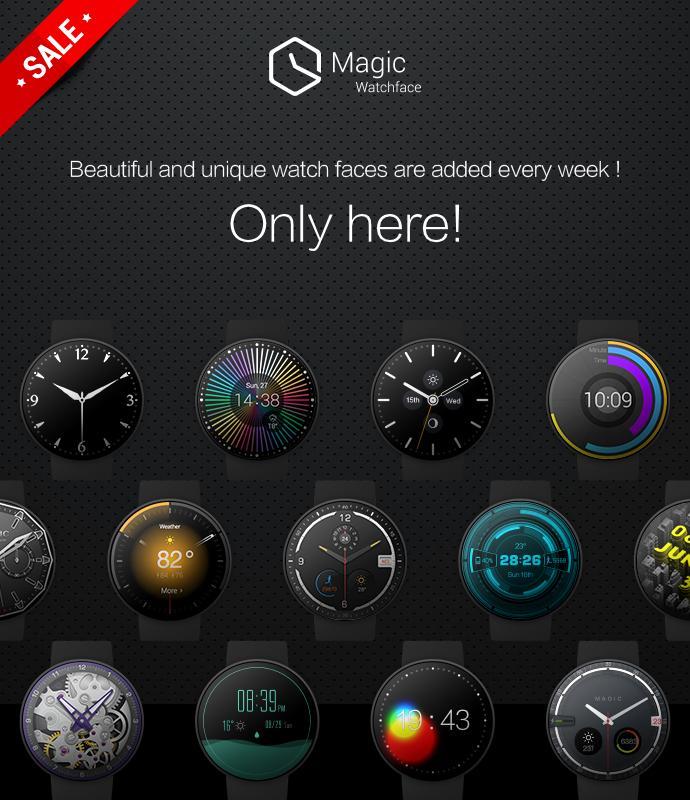
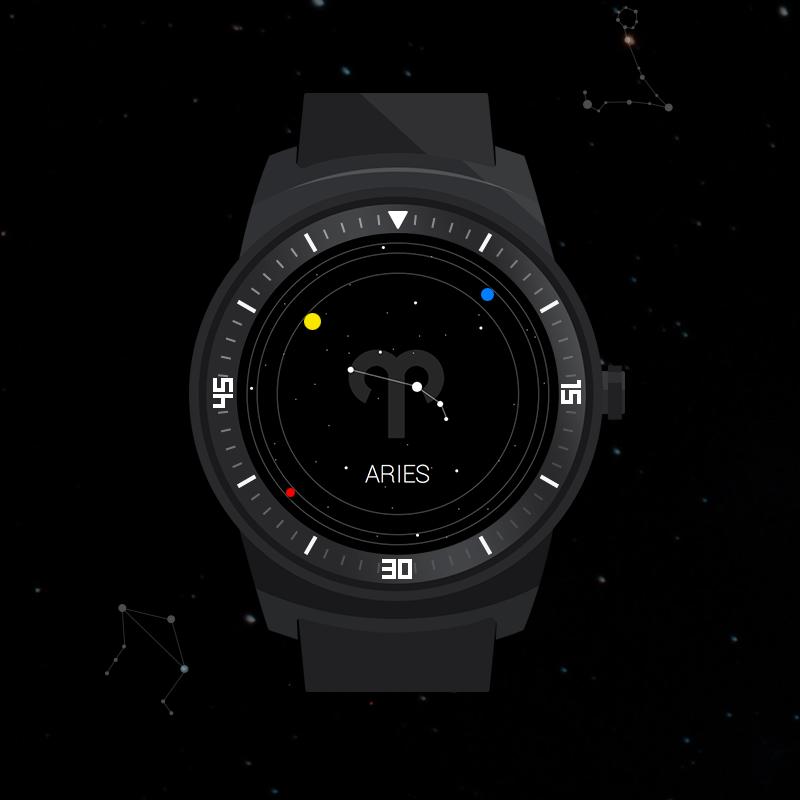
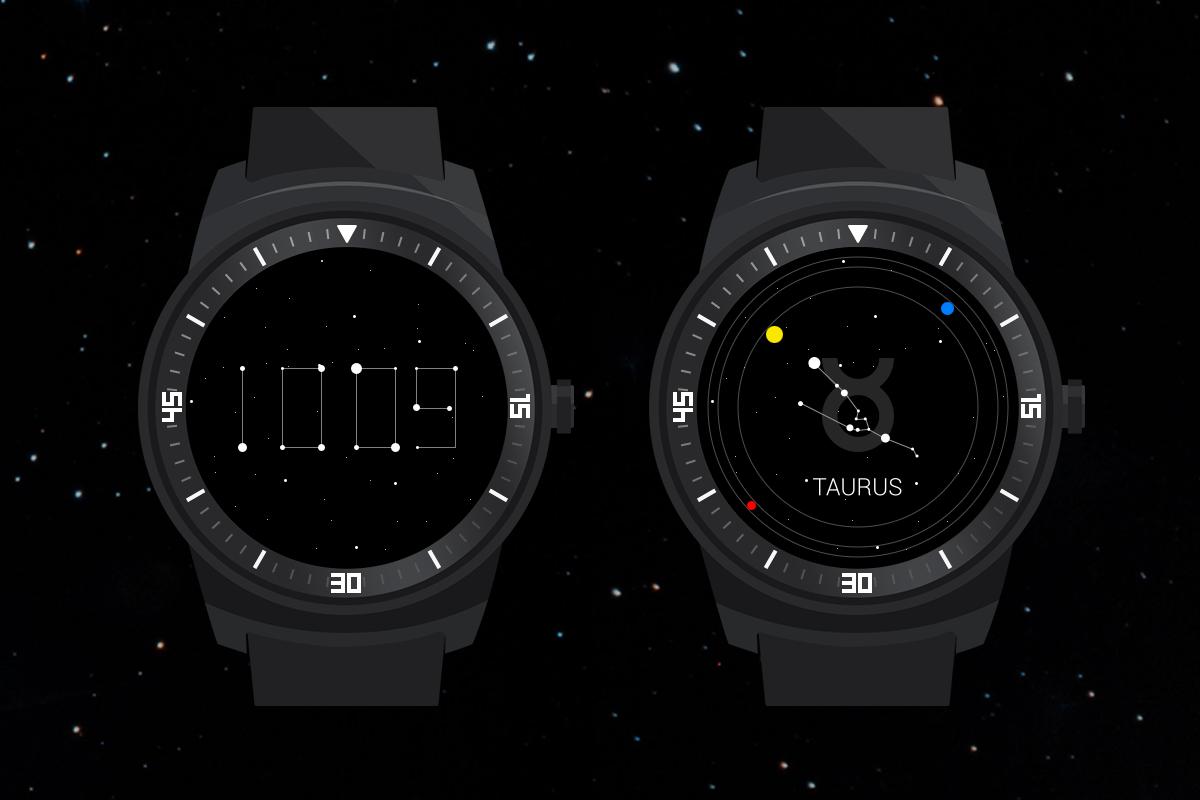
Super cool Android Wear watch face! Double Themes,12 constellations! Only for U!
Features:
-Two cool Themes.
-Choose you own constellation!
-Unique transition animations
-Support both round and square watches.
-Normal mode: a creative timer.
-Three orbiting stars represent for three clock hands.
-The yellow star represents for hour, the blue one for minute, and the red one for second.
-Select your own constellation from the 12 constellations by long pressing the watch face.
-Ambient mode: a digital timer.
-Each digital number is linked by dots and lines.
-When the minute goes up, there will be a cool changing effect.
Silent night with stars in the sky is a very beautiful scene, watch face Zodiac is inspired by this. Definitely different from traditional Facer or Ticker, This unique Android Wear watch face will give you many surprises.
Supported Devices:
Zodiac supports all Android Wear smart watches, which include Moto 360, Huawei Watch, LG Watch Urbane, LG G Watch R, LG G Watch, Samsung Gear Live, TAG Heuer Connected, Fossil Q Founder, Sony Smartwatch3 & Asus ZenWatch.
What are the 12 constellations of zodiac?
Aries, Taurus, Gemini, Cancer, Leo, Virgo, Libra, Scorpio, Ophiuchus, Sagittarius, Capricorn, Aquarius, Pisces.
How to use Zodiac?
-Install the app from Google Play.
-Open the Android Wear APP of your phone and select “resync apps”in settings.
-Then you could try to select it from Android wear APP , or to long-press you smart watch to choose Zodiac .
Note:
Please rate us positive if you like our work.
Don't give us a bad rating too soon if you experienced a problem. Please, send us an email with details, we will be really happy to answer it and fix it as soon as possible.
Our Email: [email protected]
Seeing more details please refer the below “Contact us”
Besides, we do really understand sometimes for some reasons our faces might not work well on your watch. DON’T WORRY, If you still don’t know how to set it, please let us know and we will help with it immediately.
Tips:
✔ Sometimes you need to wait for App to be matched to watch (which might depend on your phone condition and Android Wear version.)
✔ If the watch face is not shown on your watch after installing for a couple of mins, then you could try re-sync it, or follow the below steps:
1. Disconnect devices (watch and phone).
2. Uninstall the watch face.
3. Restart watch and connect to your phone again.
4. Finally install the watch face and select “resync apps”in settings
Attention:
- ONLY supports Android Wear 5.0 and higher version.
More magic faces:
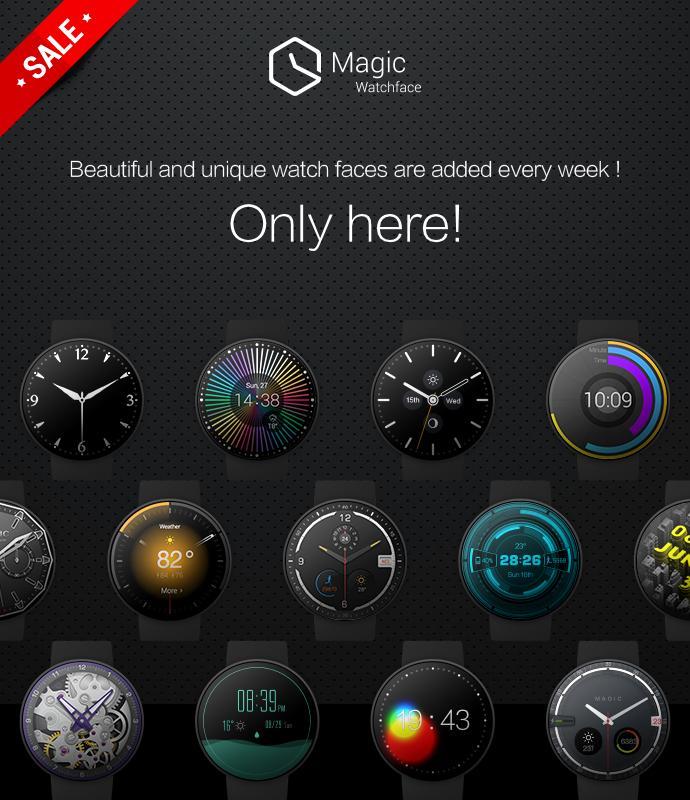
Feel free to check out our more watch face collections:
https://play.google.com/store/apps/developer?id=magic+watchface
Contact us:
If you have any questions or concerns about Magic Watchface please email us:
Or join our community:
https://plus.google.com/u/0/communities/101834176717677614896
Facebook:
https://www.facebook.com/pages/Magic-watchface/447796408708809
Web:
http://www.magicwatchface.com/
Twitter:
https://twitter.com/MagicWatchface
And more coming ways to find us:
Instagram, Pinterest...
Thank you for :
We really appreciate for you downloading our app. We look forward to adding to our free & premium Magic Watchface line.












 Download