

A Smart Dialer Replacement
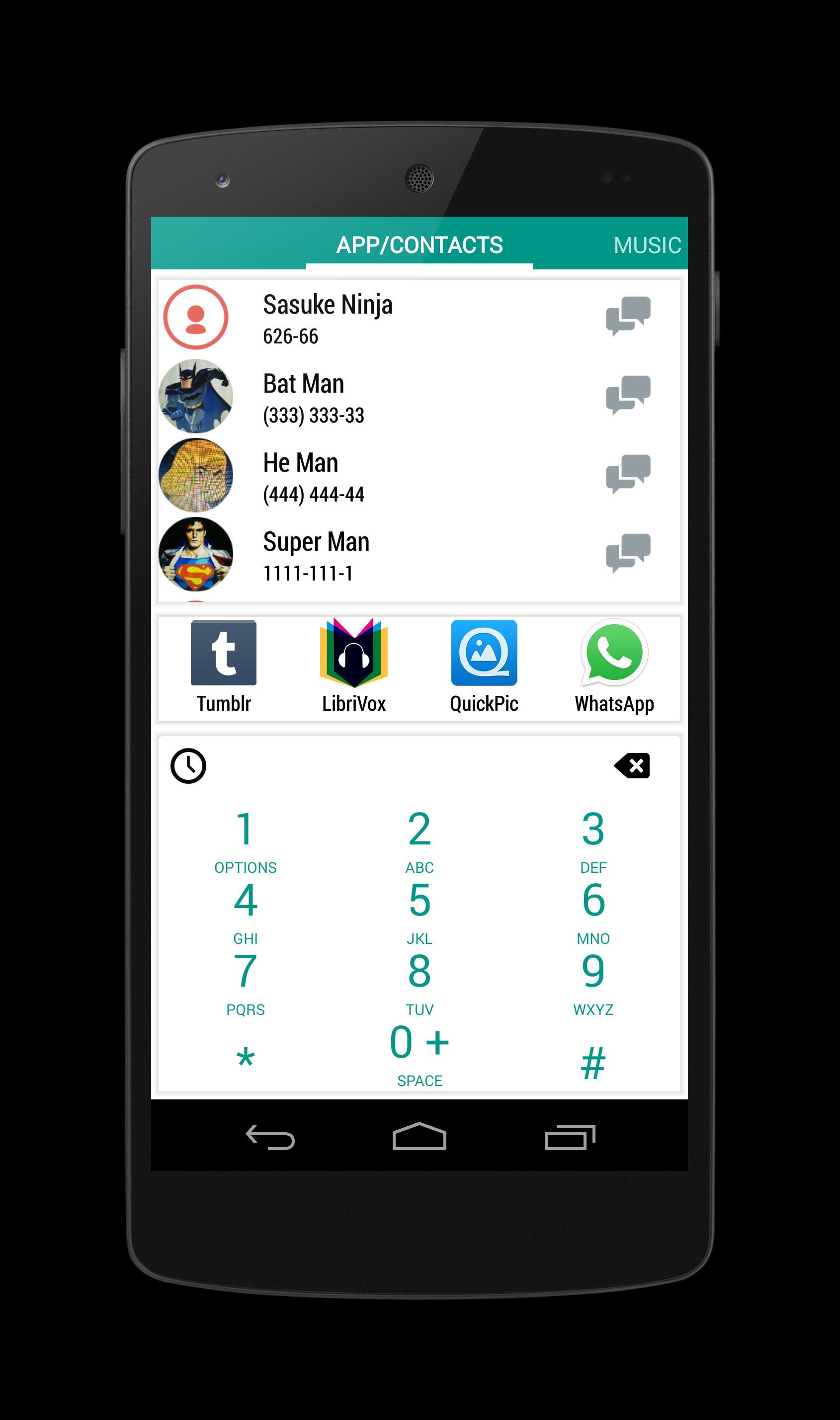
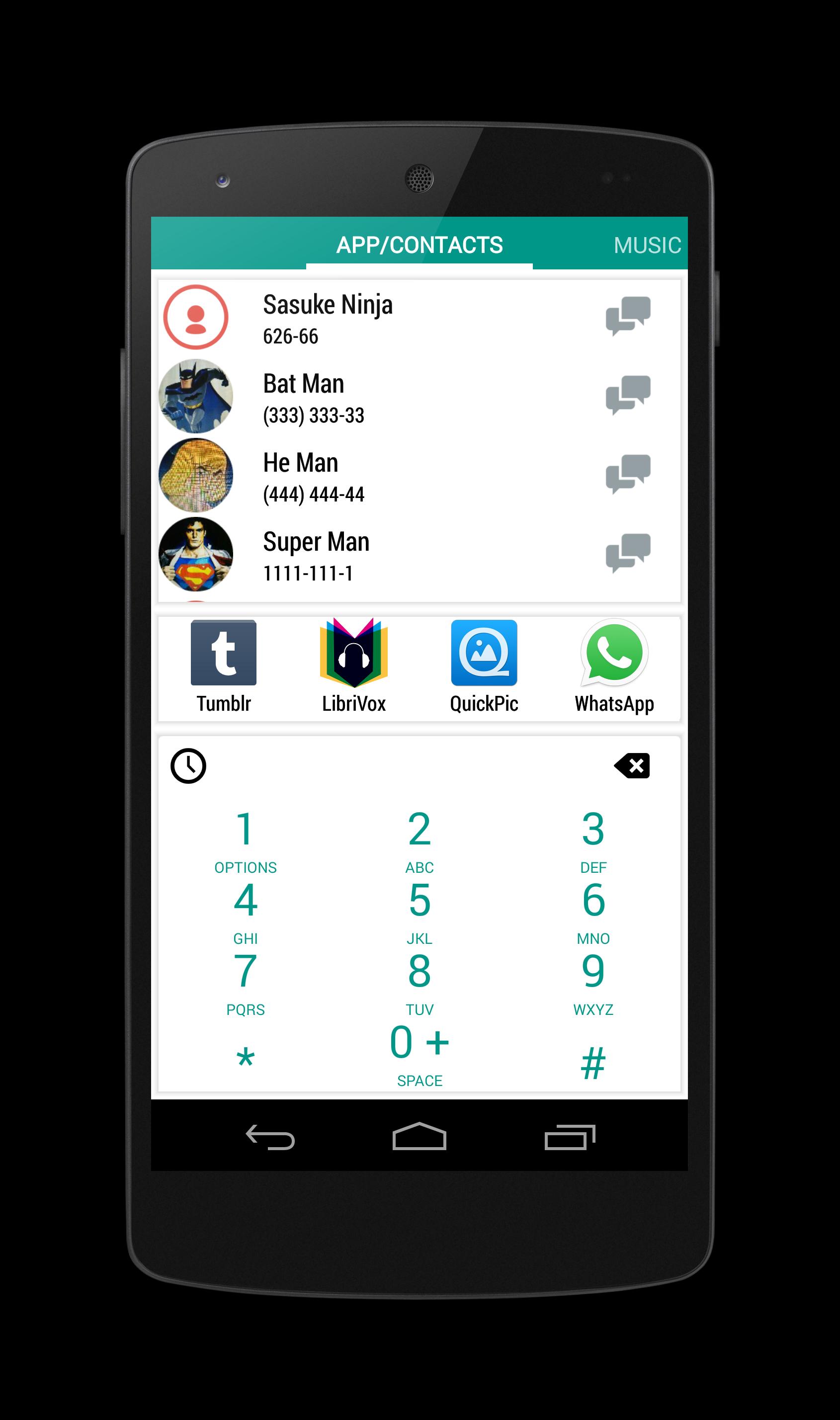
A simple & minimalistic T9 based dialer to quickly access and launch installed applications , dial contacts or search music on your Android.
Featured on:
Lifehacker: http://lifehacker.com/dialem-all-searches-contacts-apps-and-dials-numbers-s-1581589176
XDA Developers: http://www.xda-developers.com/android/dialem-all-updated-with-material-design-goodness/
Features:
★ Adaptive Local Contact/Application Search.
★ Remembers what you search !
★ Find Contacts
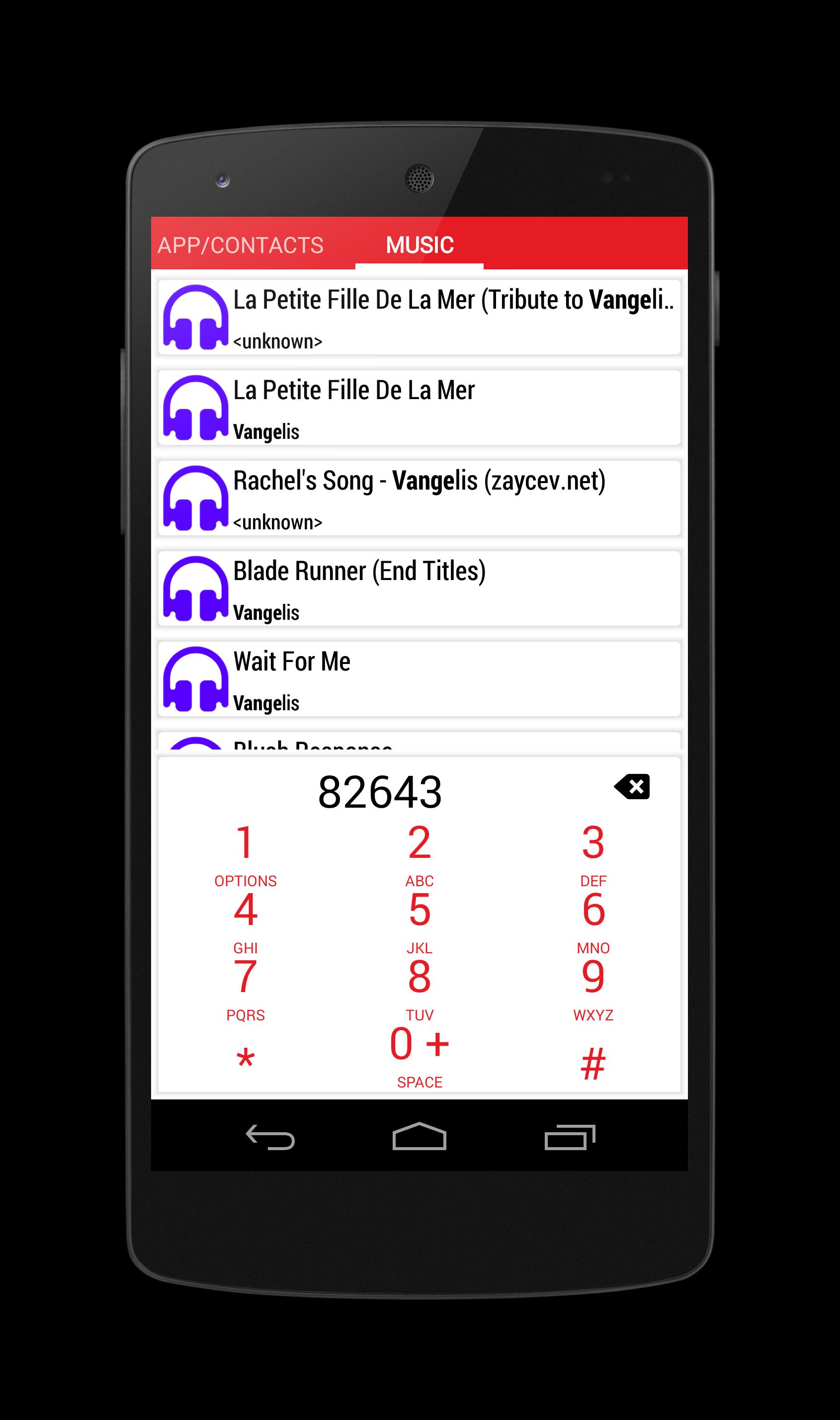
★ Find Music
★ Simple T9 keyboard.
★ Quick searching.
★ Recent Apps/Contacts
★ Message Contacts
★ Call Contacts
★ Email Contacts
★ Dial Numbers
★ Save Numbers
★ Uninstall Apps.
★ Find Music
★ Browse Call History
★ Select Themes.
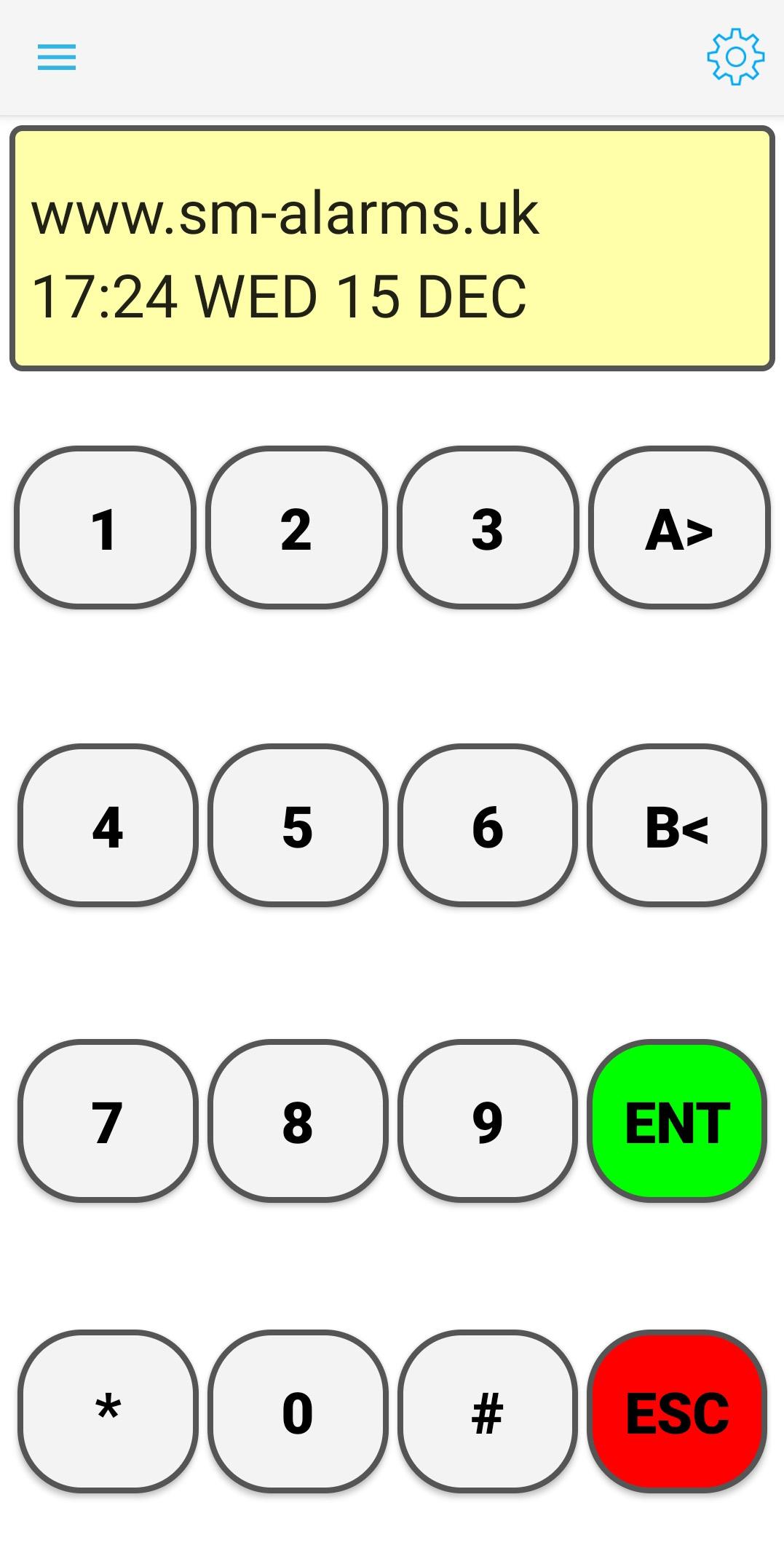
Dial'em All uses simple write ahead search which matches keywords as you type in order to save multiple key press. It uses a simple T9 keyboard which allows user to type and search apps/contacts/music faster.
This is a power user tool and yet very simple to use, helps you stop scrolling through endless list, launch applications/call contacts in a few clicks. Just press on any number-pad button to search for the symbol on it.
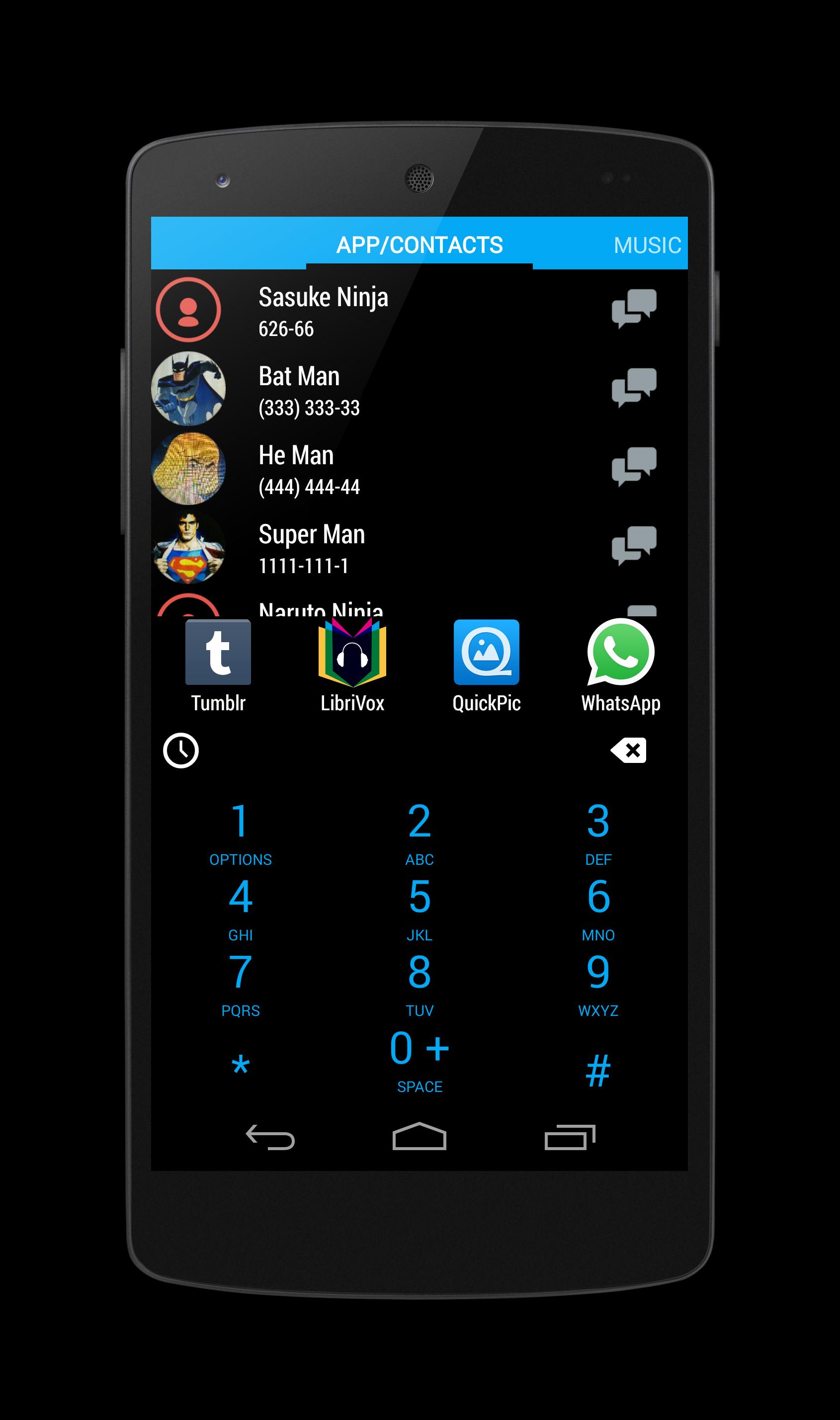
Also choose how you want your dialer to look by choosing from themes.
Dial'em All is a very lightweight T9 launcher that can solve all your app launching/contact/Music finding troubles.
How to Use:
1. Press the on screen buttons having the text you want. Similar to phone dialer.
2. Click the icon to launch an application.
3. Long click application to launch uninstaller.
4. Click Contact with number to call.
5. Click Contact with email to mail.
6. Long Click Contact to go to Details.
7. Click on number to call.
8. Long Click on number to save.
9. Backspace key to edit.
10. Long Press Backspace to clear.
11. Click on the message icon to send message to a contact.
12. Click on the History Icon to get to Call History.
13. Long Click on the 1 button to enter Settings.
More Features & Enhancements coming soon !
Kindly leave feedbacks @ http://forum.xda-developers.com/showthread.php?t=2709215







 Download