• Home
  • Games
    Action-adventure Simulation Business Role Playing Sports Competition Casual Intelligence Card Strategy Music Rhythm Text Puzzle Flying Shooting Love Development
  • Apps
    Business Office Newsletter Social Life Entertainment Online Shopping Practical Tools Travel Financial Management Educational Learning Information Reading Sports and Health
  • Articles

English 中文(简体) 中文(繁体) 한국어 日本語 Português Español Русский العربية Indonesia Deutsch Français ภาษาไทย
Home Apps Educational Learning CYBER Signage for Android
CYBER Signage for Android

CYBER Signage for Android

1
2
3
4
5
Download
  • Version 3.9.3
  • Category Educational Learning
  • Package Name com.sofnetjapan.cybersignage
  • Update Time July 20, 2026
  • Size 1.7MB
About this app

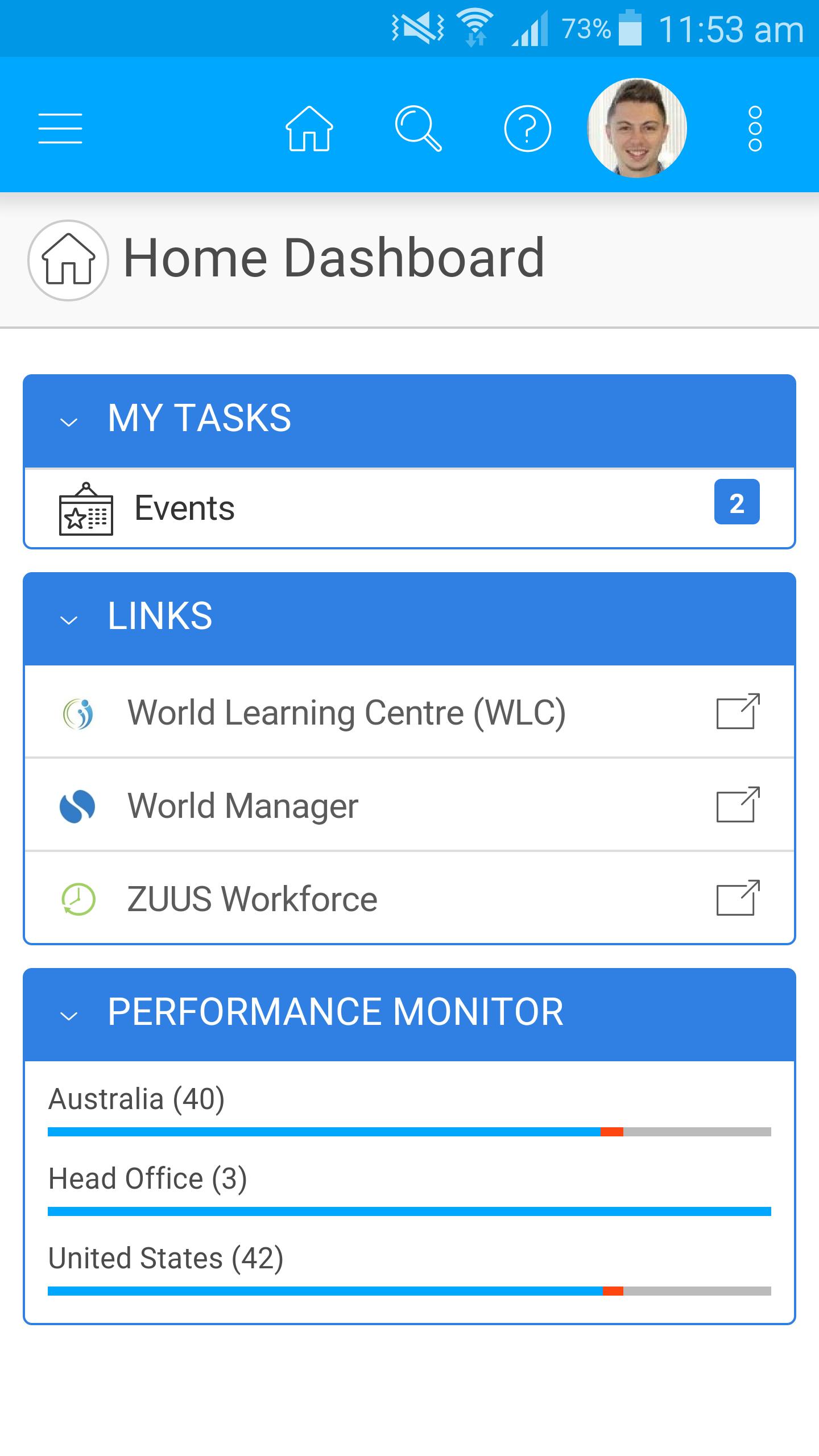
Digital Signage in on it browser can easily "CYBER Signage"

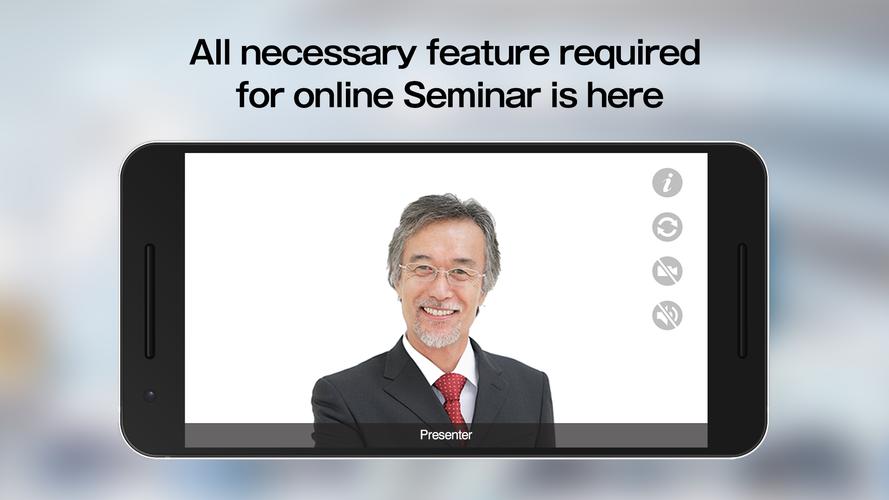
CYBER Signage for Android is an app that can be used Android as digital signage player.

By using videos, images, sounds and telop, etc., this application can be used for various information transmitting in the following situations.

The item descripition in the shop / The information on the store counter or the office / Video letter or photo frame and so on.

You can create a various signage contents and deliver it easily from your browser, if only you install this app and subscribe our cloud service.

■What is CYBER Signage?

CYBER Signage is completely cloud-based digital signage system.

■Features

1.Complete cloud-based serivice

 If only you access a special site from your browser connected to the Internet, you can create the content and the schedule and deliver it easily anytime and anywhere.

2.Easy operation

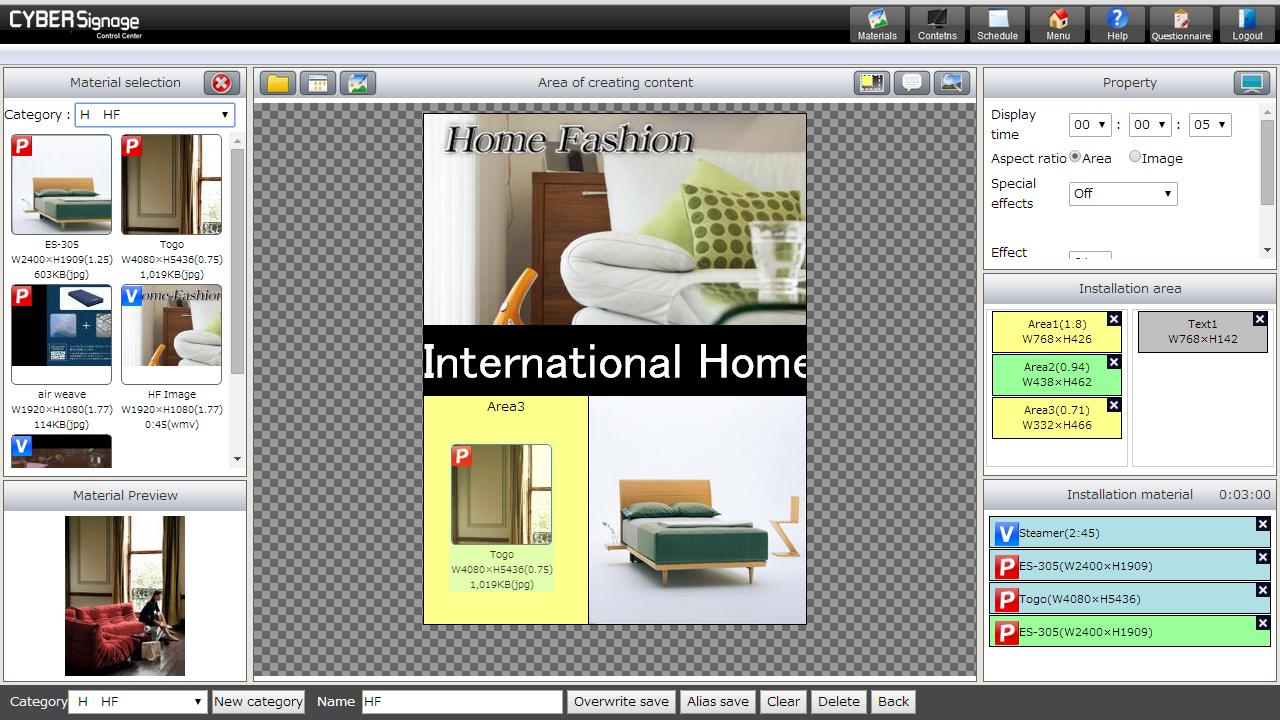
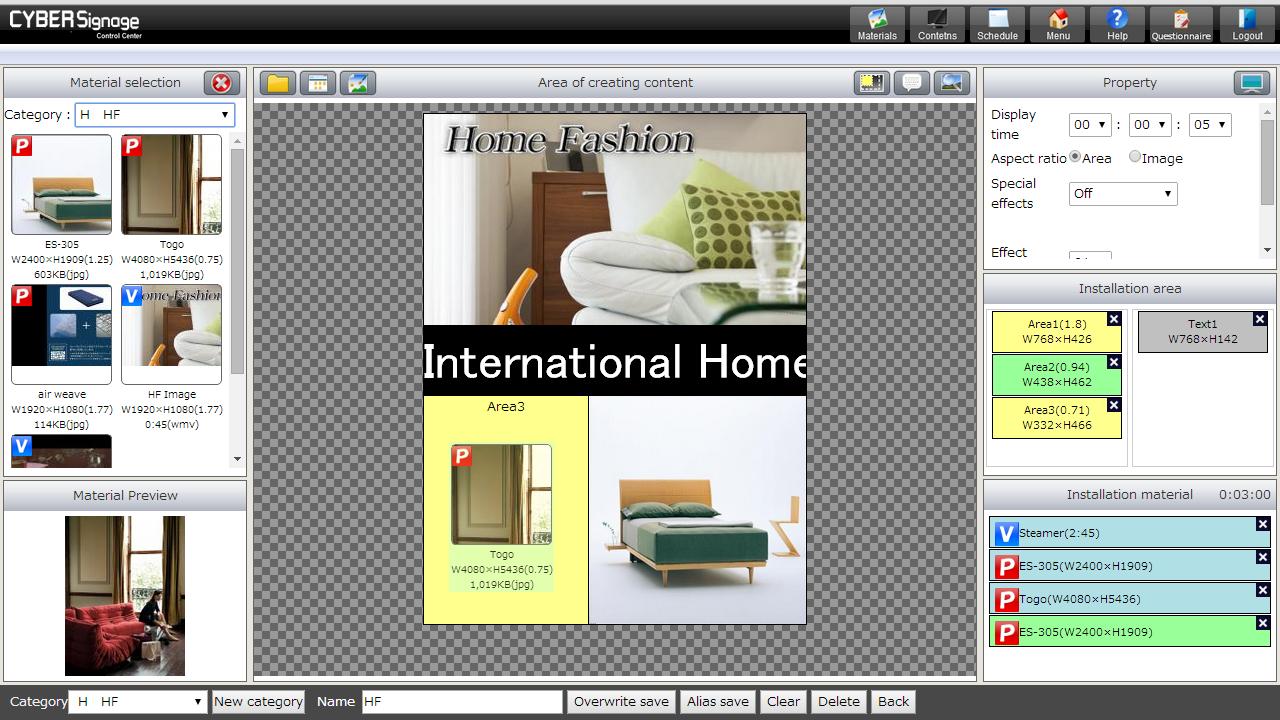
 Most operation such as creating the contents and the schedule, contents delivering , etc., is performed only by a drag-and -drop mouse operation.

3.Freely layout

 Not just determined layout, you can freely set the position of images and videos like drawing on the canvas.

4.Available videos, sounds, image files

 Video:MP4 (MPEG4 or H.264 format)

 Sound:MP3 / WAV

 Image:JPEG / PNG / GIF(File size is recommended at or below the resolution of the terminal to be used.)

 WEB:General WEB site (Depending on the content, may restrictions occur in view)

■Outline of utilization procedure of CYBER Signage Free Edition

1. Install 'CYBER Signage for Android'.

2. Create an account for CYBER Signage.

You can create an account of Free Edition at the app.

3. Authenticate with an account or a serial key that were gotten by e-mail.

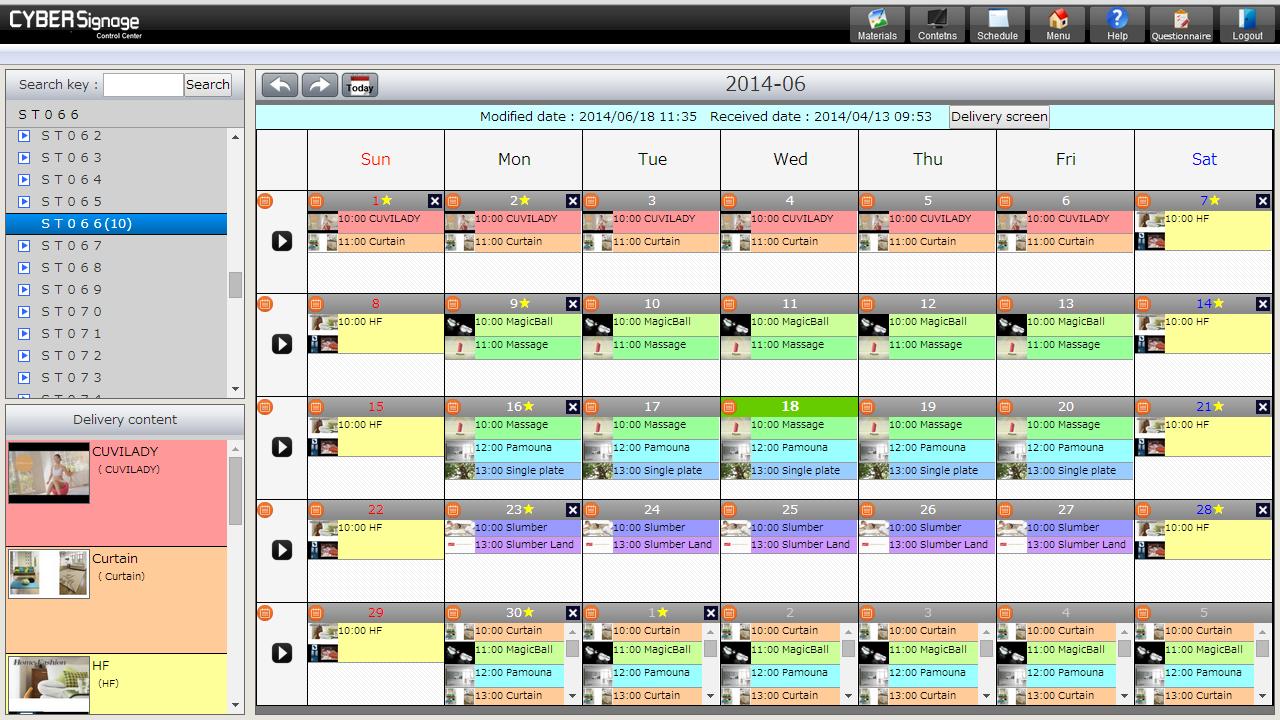
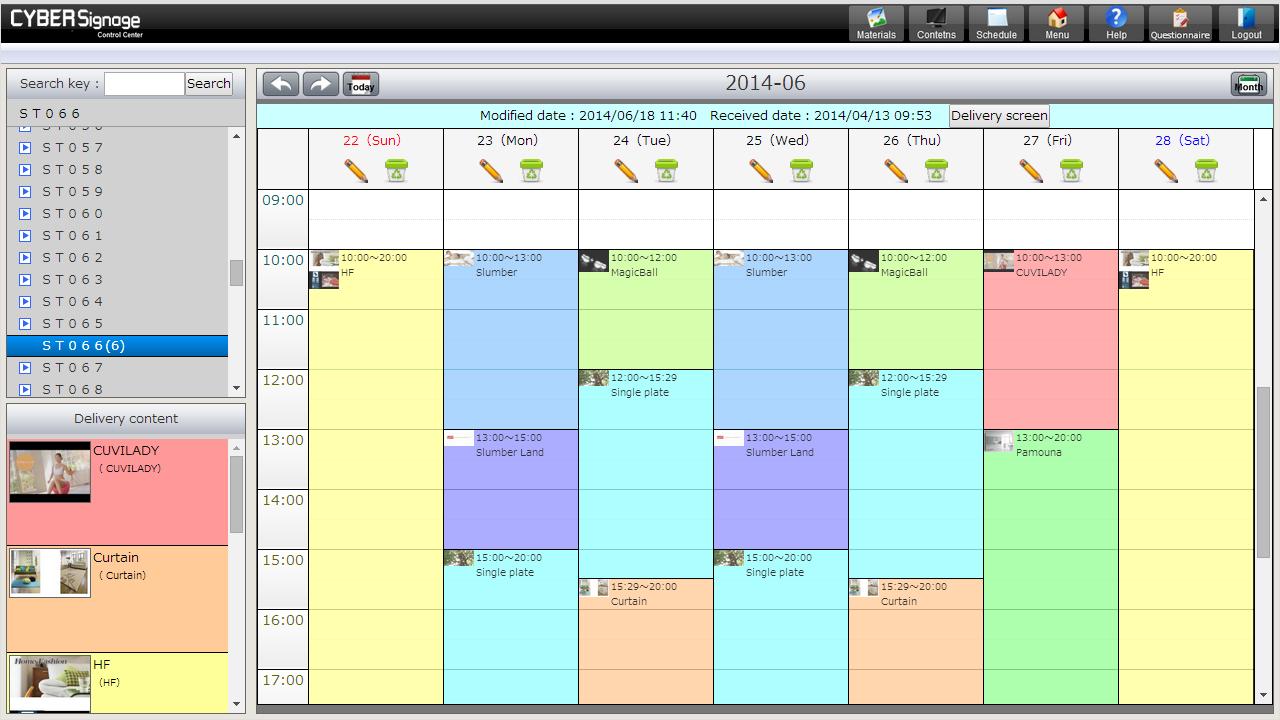
4. On CYBER Signage Control Center, you can create contents, Schedule and deliver them.

* CYBER Signage Control Center is the corresponding site to manage contents of digital signage.

What's New in the Latest Version 3.9.3

Last updated on Jan 28, 2016 It corresponded to displaying Web contents on the local environment.
It corresponded to the interactive contents.
It corresponded to multilingual telop.
Download(1.7MB)
Users also viewed
  • Yang Ming

    Yang Ming

    2.1.9 September 5, 2026
  • Opposites in English

    Opposites in English

    23.1.1.18 September 4, 2026
  • English Words Conversation

    English Words Conversation

    1.0 September 4, 2026
  • mPassport Seva

    mPassport Seva

    6.8 September 4, 2026
  • MOREnet Events

    MOREnet Events

    5.79.0 September 3, 2026
  • vMakkah Free

    vMakkah Free

    1.5 September 3, 2026
  • Vocabulary Builder

    Vocabulary Builder

    1.0.4 September 3, 2026
  • Sight Words 2 with Word Bingo

    Sight Words 2 with Word Bingo

    1.0 September 2, 2026
  • Manuales de Usuario

    Manuales de Usuario

    1.0.20141227 September 2, 2026
  • Sinuta, SA

    Sinuta, SA

    v1 September 2, 2026
  • SAP FI TFIN Questions

    SAP FI TFIN Questions

    1.2.4 September 2, 2026
  • Arbeitsrecht

    Arbeitsrecht

    2.0 September 2, 2026
  • HTC Champions

    HTC Champions

    0.0.26 September 2, 2026
  • French Learning For Kids

    French Learning For Kids

    6.3.3688 September 2, 2026
  • Funbizz

    Funbizz

    1.0.6 September 1, 2026
About Privacy Policy Terms of Service Cooking Policy

© Copyright 2017-2026 downzq.com