

The innovative new way to interact with your Cub Cadet and mobile device.
Cub Connect is the innovative new way to interact with your Cub Cadet outdoor power equipment directly through your mobile device.
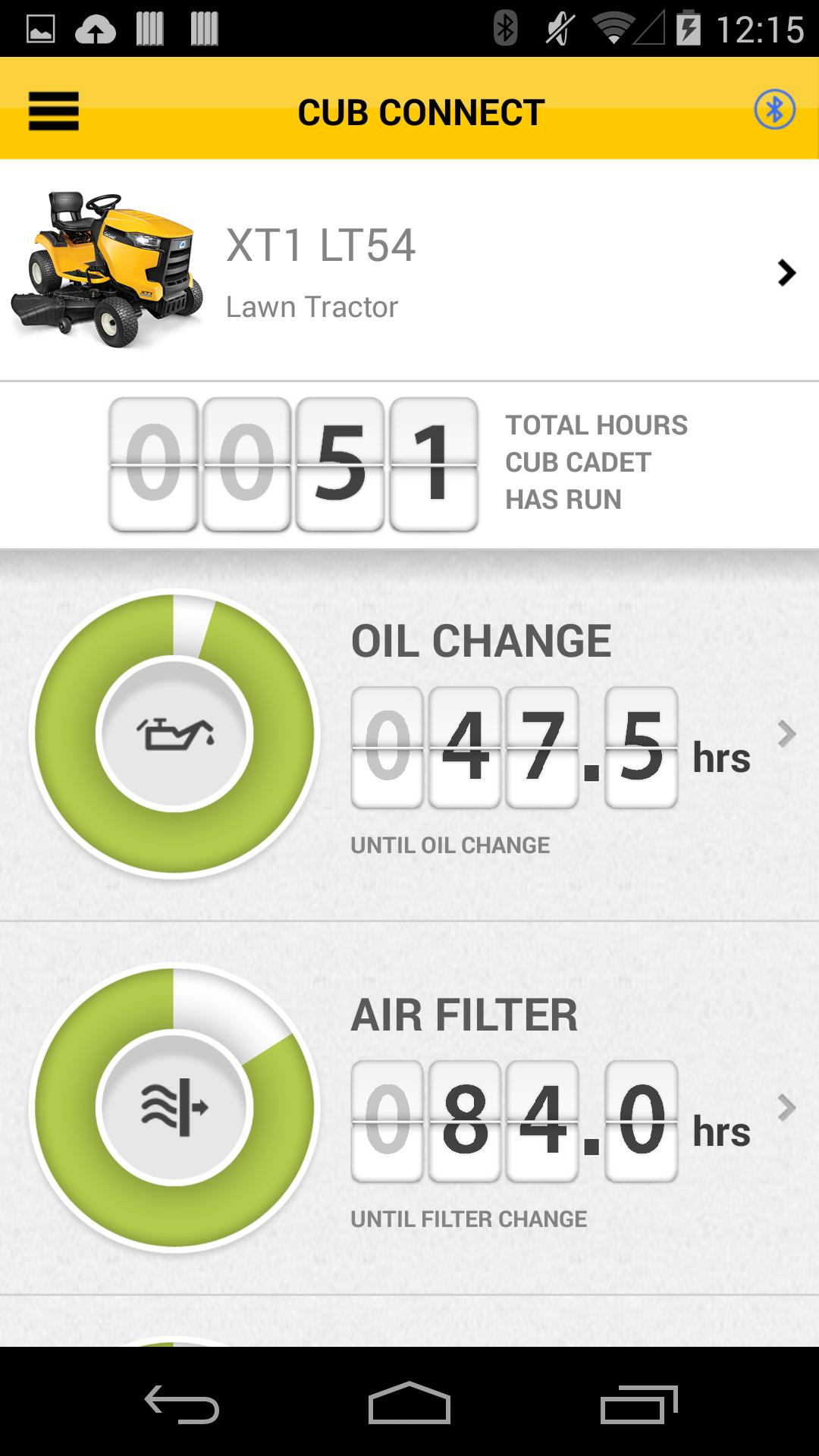
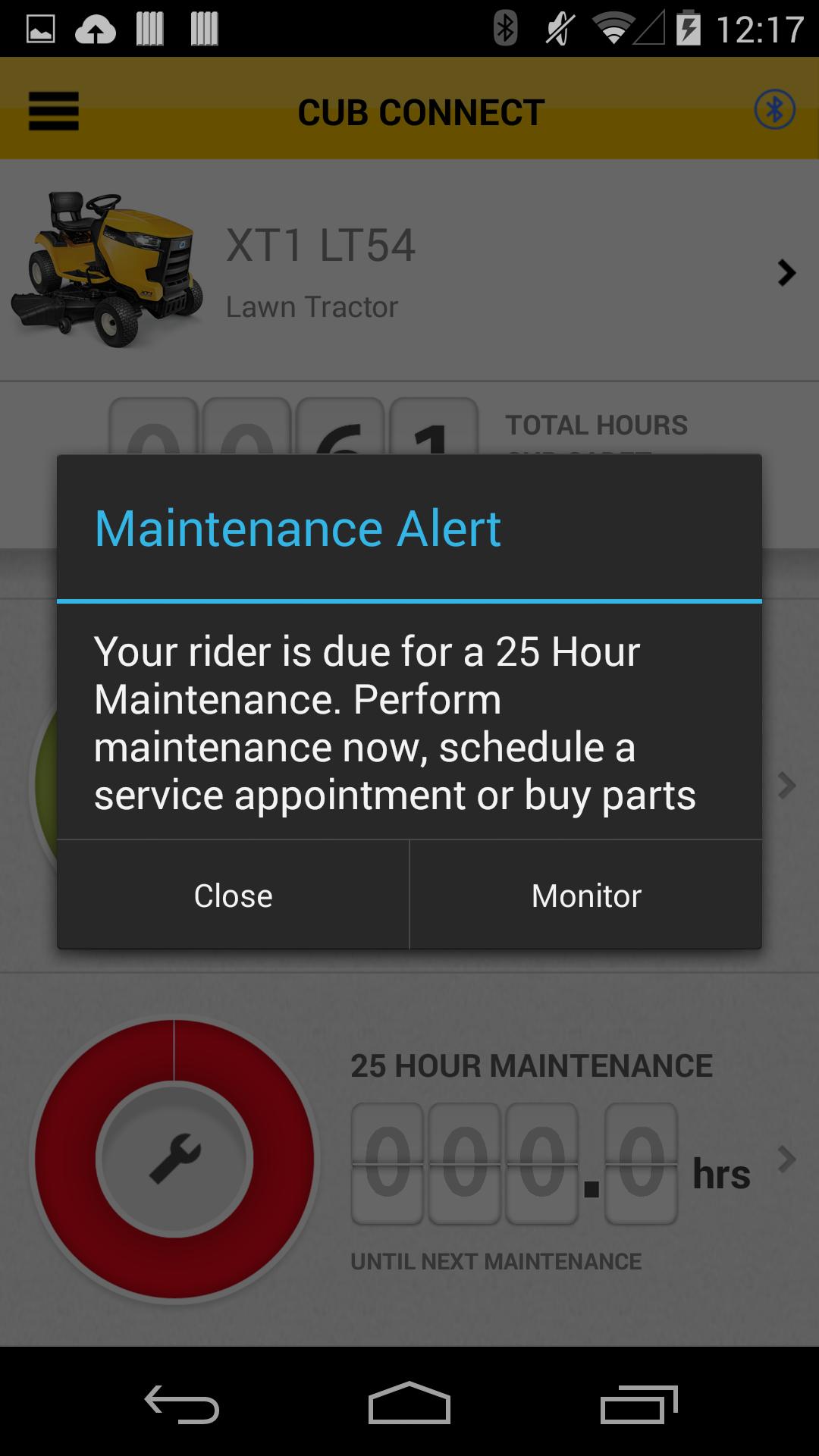
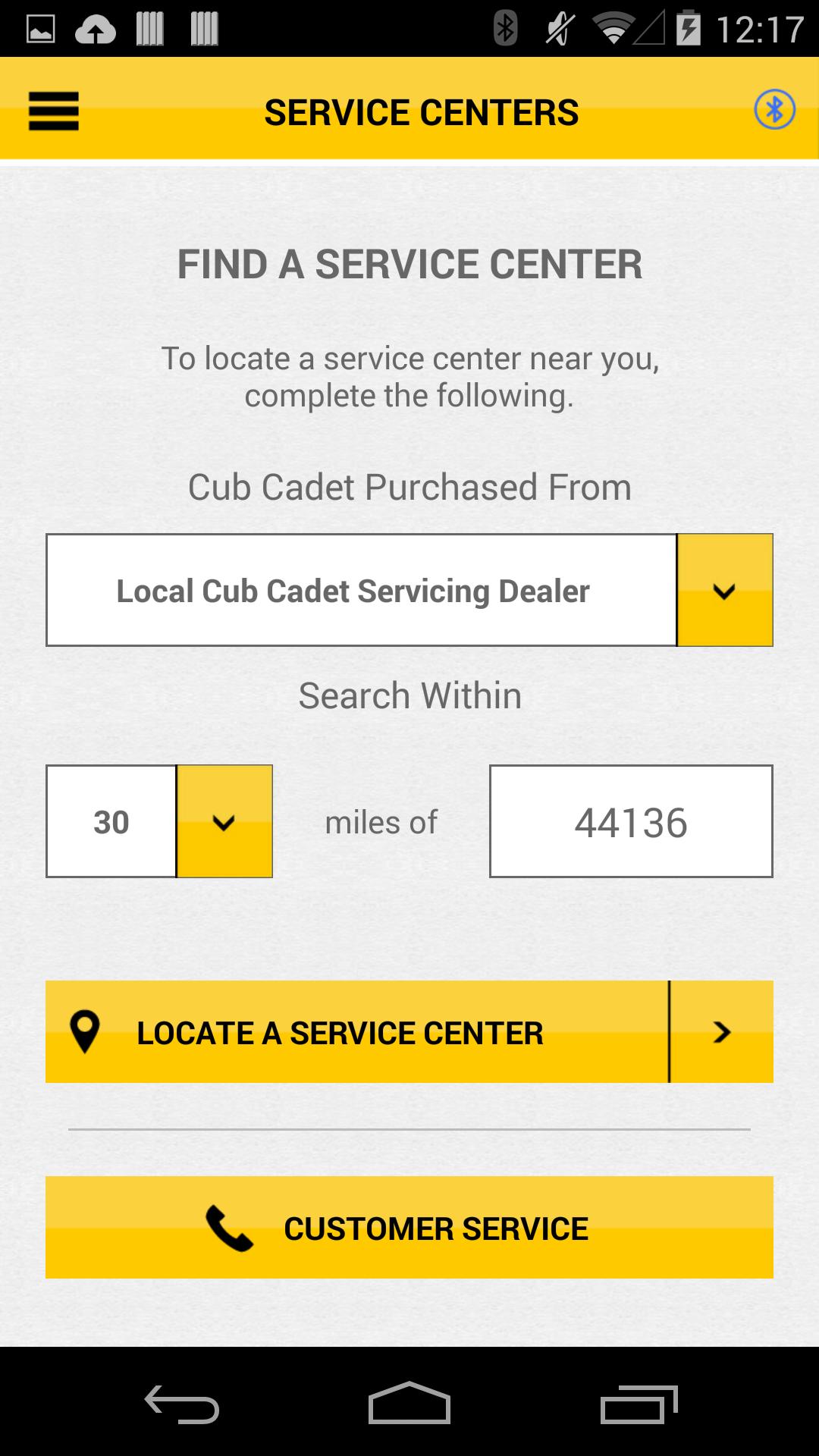
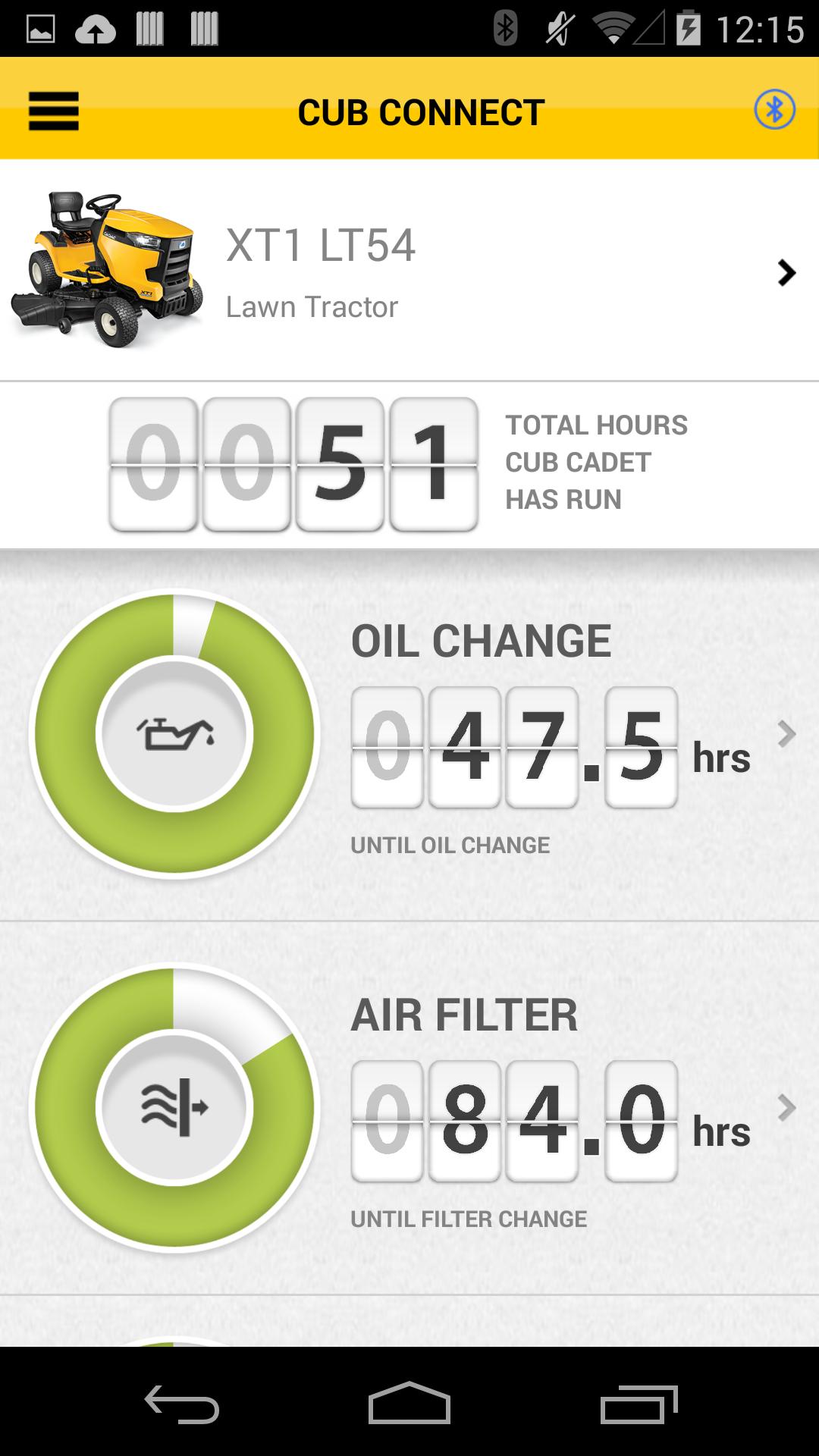
The app’s automated maintenance dashboard and log will help you keep your machine running at peak performance and protect your investment by tracking total hours across the lifetime of your equipment. Receive alert notifications when it’s time to perform essential maintenance tasks. Your dashboard provides real time monitoring and indicates when it’s time for you to check or change the oil, air filter, blades or battery. Cub Connect also enables you to locate and contact Cub Cadet Service Centers, access step-by-step instructions to perform routine maintenance and purchase replacement parts directly from your smart phone.
There are 3 ways you can utilize Cub Connect:
1. Sync up your Bluetooth® enabled equipment with the Cub Connect
2. Convert any Cub Cadet rider into a Bluetooth® enabled machine by purchasing and installing the Cub Cadet Maintenance Meter Kit with Bluetooth®
3. Manage your hours mowed manually through Cub Connect and access important information about maintaining your equipment
How much does it cost?
The app is free to download in both the Apple App store and the Google Play store. Other than the cost of the mower and your mobile device’s data plan, there is no charge for using the app.
COMPATIBLE DEVICES & EQUIPMENT
What mobile devices does the app work with?
• Android 4.3 (or later and Bluetooth compatible)
Which models are equipped with a Bluetooth® hour meter?
Model Year 2015
• XT1 LT54 Lawn Tractor
• XT1 LT54 Fabricated Deck Lawn Tractor
• XT1 GT50 Garden Tractor
• XT2 GX54 Fabricated Deck Garden Tractor
• RZT L 46 Fabricated Deck Zero Turn Rider
• RZT S 46 Fabricated Deck Zero Turn Rider
• RZT S 54 Fabricated Deck Zero Turn Rider
Model Year 2016
• XT1 ST54 Fabricated Deck Lawn Tractor
• XT1 GT50 Garden Tractor
• XT2 LX54 Fabricated Deck Lawn Tractor
• XT2 GX54 Fabricated Deck Garden Tractor
• RZT L 46 Fabricated Deck Zero Turn Rider
• RZT L 42 H Fabricated Deck Zero Turn Rider
• RZT L 46 H Fabricated Deck Zero Turn Rider
• RZT S 46 Fabricated Deck Zero Turn Rider
• RZT S 54 Fabricated Deck Zero Turn Rider
• RZT S 54 KW Fabricated Deck Zero Turn Rider
Model Year 2017
• XT1 LT42 EFI Lawn Tractor
• XT1 ST54 Fabricated Deck Lawn Tractor
• XT1 GT50 Garden Tractor
• XT1 GT54 Fabricated Deck Garden Tractor
• XT1 GT54 D Fabricated Deck Garden Tractor
• XT2 LX54 Fabricated Deck Lawn Tractor
• XT2 GX54 Fabricated Deck Garden Tractor
• XT2 GX54 D Fabricated Deck Garden Tractor
• RZT L 46 Fabricated Deck Zero Turn Rider
• RZT L 42 H Fabricated Deck Zero Turn Rider
• RZT L 46 H Fabricated Deck Zero Turn Rider
• RZT S 46 Fabricated Deck Zero Turn Rider
• RZT S 54 Fabricated Deck Zero Turn Rider
Note, on the model (around the Hour Meter or Ignition Module) you should see the Bluetooth® symbol and the word Bluetooth®.
If my model is not originally equipped with a Bluetooth® hour meter, can one be installed?
The Cub Cadet Maintenance Meter Kit with Bluetooth® (Part# 490-900-C066) can be purchased and installed on your Cub Cadet model. The kit is compatible with all 2015, 2016 and 2017 XT Enduro Series riders and residential zero turn riders. Please seek out and contact a local Cub Cadet dealer for details at: http://www.cubcadet.com/equipment/cubcadet/bluetooth%C2%AE-enabled-maintenance-meter-490-900-c066.
Currently there is not a Cub Cadet Push Button Ignition Module Kit with Bluetooth ® available.
Can I still use the app if my model is not originally equipped with a Bluetooth® hour meter and I don’t install the Cub Cadet Maintenance Meter Kit with Bluetooth®?
Yes. After creating a user account you can set up equipment to manually update hours run and enjoy the full app functionality (all model year 2015, 2016 and 2017 XT Enduro Series and residential zero turn riders are supported).













 Download