

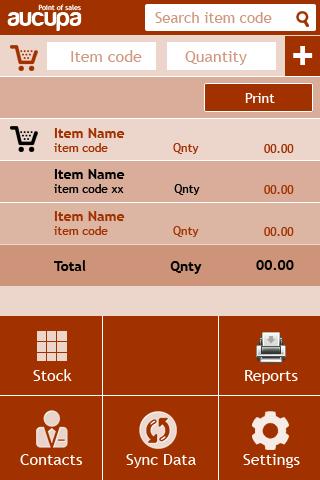
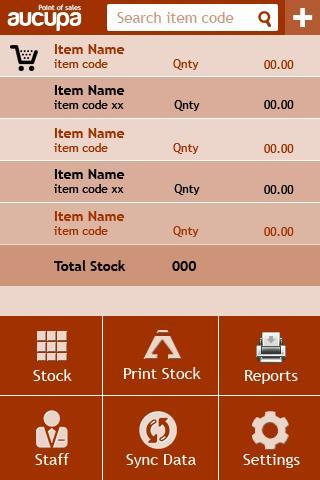
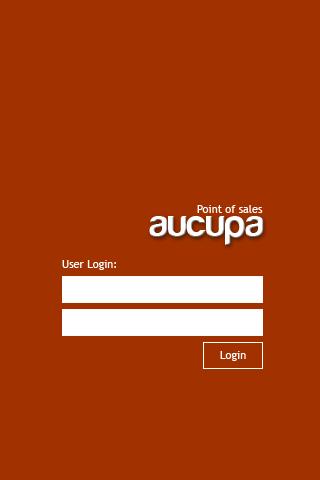
Retail billing application for mobiles
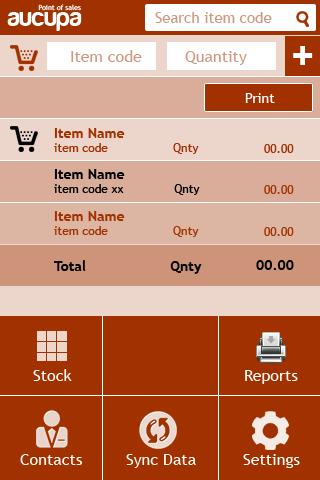
This application best fit for any retail POS. This Retail POS equipped with an inbuilt data sync facility which keeps your data without loss. BULB4 does mobile billing, Bluetooth billing, GPRS data backup, Mobile inventory.
This is a Bluetooth printer application and retail billing system. Contact us for Bluetooth printer device. We provide 1 year warranty for the Bluetooth printer device.
This system also works with mobile phones as well as tabs.
We hope you enjoy this application.Send us your feedback and suggestions.
Download our full version, Register as a new user with the below details to try our admin console. With Admin console you can manage multiple user activities at a time.
Please contact us for any customized applications
Contact: [email protected]
Mobile: +91 9288096304
************************************************************
Registration and login process of BULB4 applications:
For group users:
Installing the Downloaded Mobile Application:
1. Install > Click on menu button of your mobile/tab > Register
2. Username & password (Your Convenient)
3. GroupID: 5 (For demo application. Group ID you can find on the admin panel which will be next to your username on right side of the header panel. eg: Demouser(5))
Admin Verification:
1. Once the registration process completed. Login to “Admin Panel” - http://bulb4.com
2. Approve those users they will be inactive state until you approve them.
3. Use the registered username and password on application and click “Login as different user”. Then Login.
NB: registration and First login requires GPRS/Wi-Fi net connection.
For Single User Account:
Installing the Downloaded Mobile Application:
1. Install > Click on menu button of your mobile/tab > Register
2. Username & password (Your Convenient)
3. Select Individual user. Provide your email ID
Admin Verification:
Click on the activation link send to the given email id. Now the application is ready to use.
Use the registered username and password on application and click “Login as different user”. Then Login.
NB: registration and First login requires GPRS/Wi-Fi net connection.
************************************************************






 Download