• Home
  • Games
    Action-adventure Simulation Business Role Playing Sports Competition Casual Intelligence Card Strategy Music Rhythm Text Puzzle Flying Shooting Love Development
  • Apps
    Business Office Newsletter Social Life Entertainment Online Shopping Practical Tools Travel Financial Management Educational Learning Information Reading Sports and Health
  • Articles

English 中文(简体) 中文(繁体) 한국어 日本語 Português Español Русский العربية Indonesia Deutsch Français ภาษาไทย
Home Apps Practical Tools Bluetooth spp tools pro
Bluetooth spp tools pro

Bluetooth spp tools pro

1
2
3
4
5
Download
  • Version 0.16
  • Category Practical Tools
  • Package Name mobi.dzs.android.BLE_SPP_PRO
  • Update Time February 17, 2025
  • Size 257.68KB
About this app

Bluetooth SPP client communication tools

The software for the Bluetooth client communication tools (ie: Bluetooth slave mode), Bluetooth serial communication can be tested. Can connect a Bluetooth MCU and PC serial port.

Support android 4.0+ version of the system.

Hardware

1.Serial Port Bluetooth Module( TTL )

2.Arduino Microcontroller Board

3.MCU serial communication

4.Can search for Bluetooth low energy devices (nothing more)

Software features:

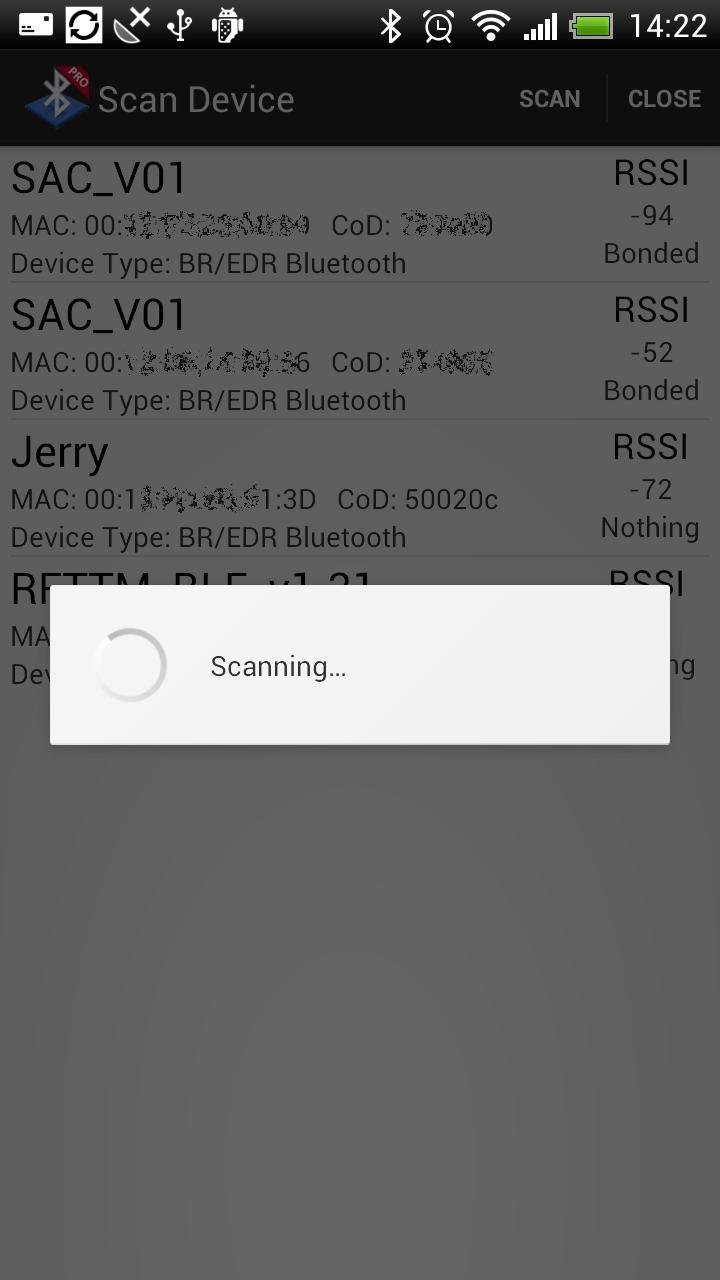
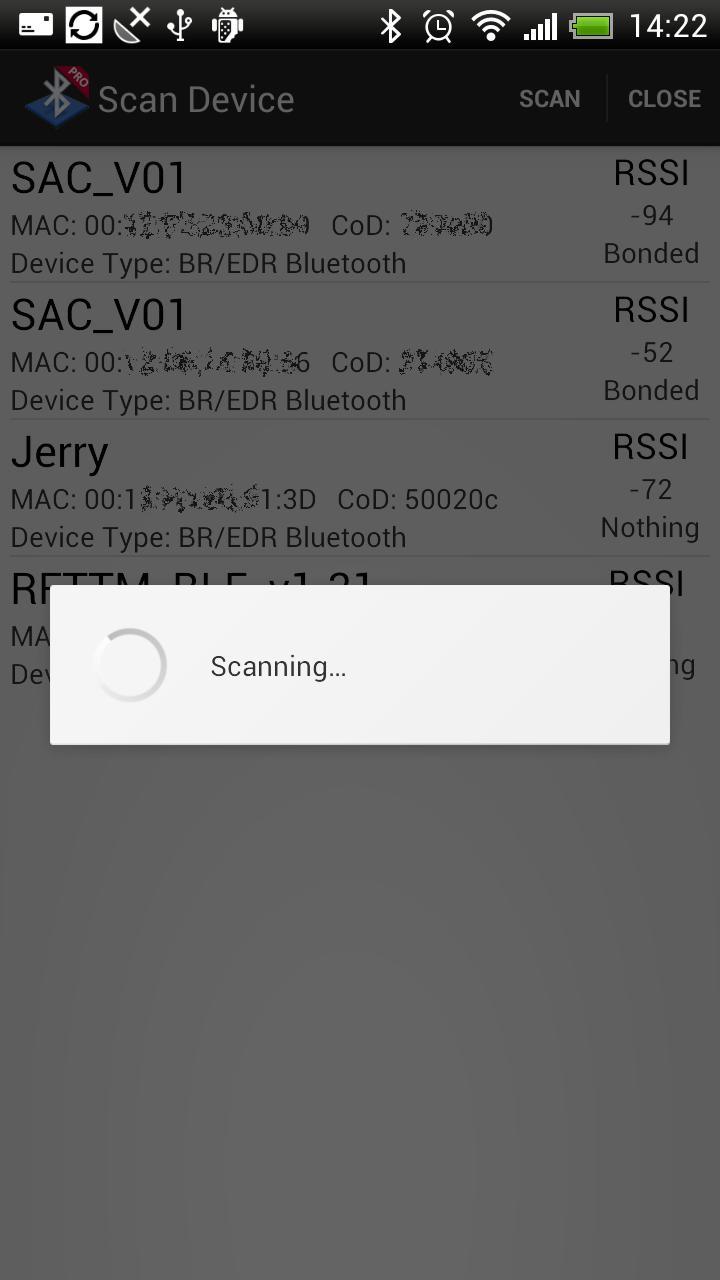
1. Search for Bluetooth devices, and displays the class and RSSI (signal strength);

2. The use of serial communication, receiving and sending data;

3. Can be set to ASCII and HEX input and output mode;

4. The data results can be saved to the SD card(/sdcard/Bluetooth spp pro/...).

5. Can search for Bluetooth low energy devices (nothing more)

This tool three modules:

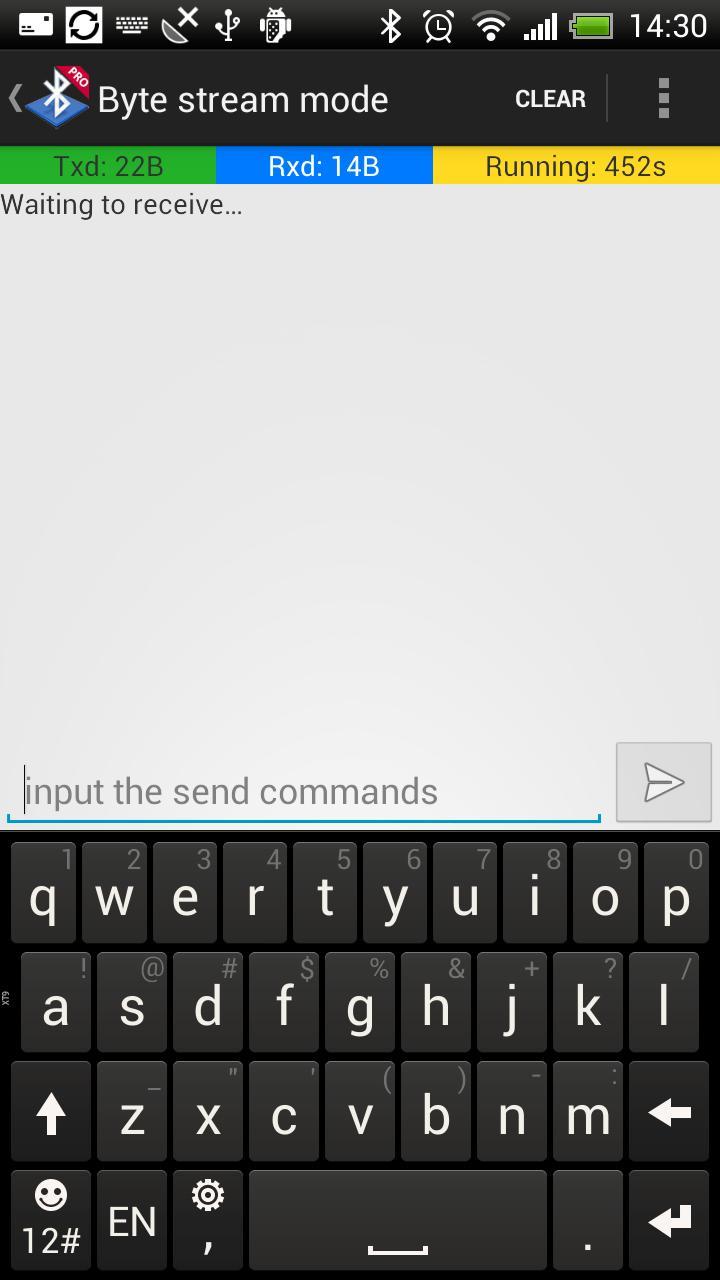
1. Byte stream mode: the basic input-output model;

2. Keyboard mode: Can customize the output value of 12 buttons;Each button has three states(respectively: Down | Long-press | Up), each state can send commands event.

3. Command Line: Set the command terminator for communication debugging.

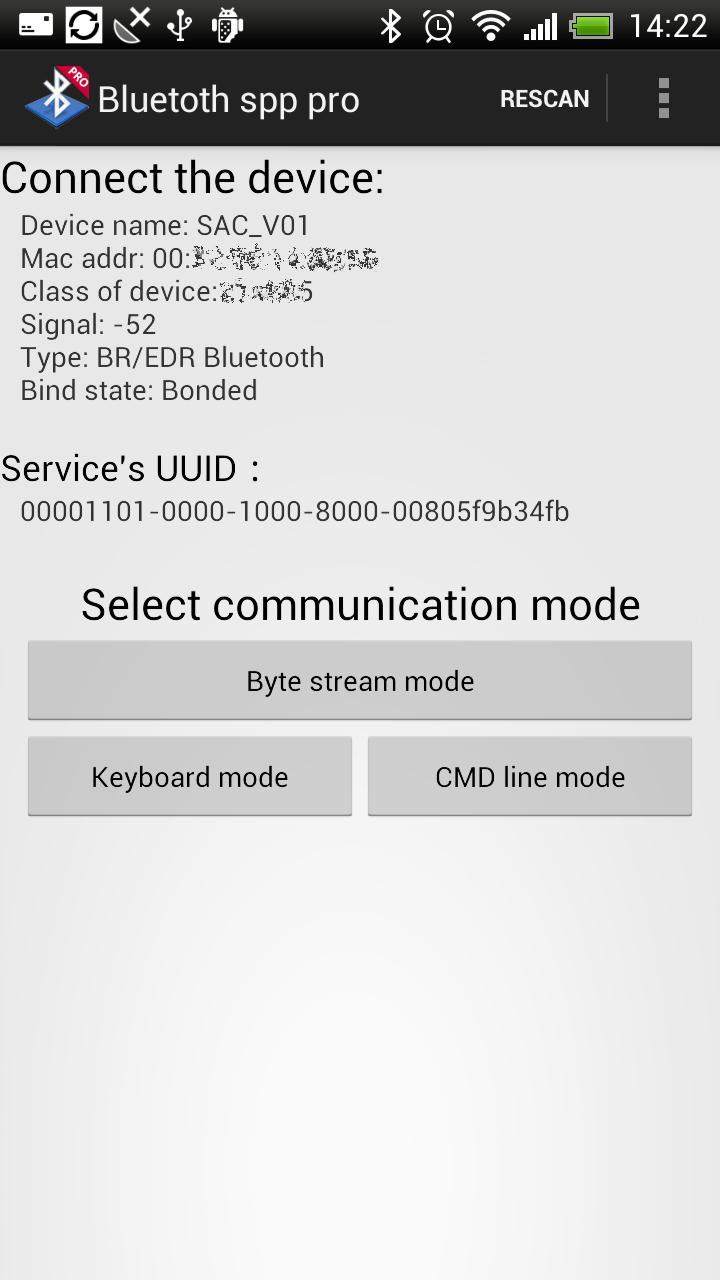
If the connected Bluetooth device is not paired, the system will automatically prompt you for pairing. Bluetooth pairing is successful, try to connect again.

This can only connect Bluetooth serial module devices, Bluetooth devices are generally used for MCU serial communication.

System using the Bluetooth pairing means: [menu-> Settings -> Wireless and Network -> Bluetooth Settings], open the Bluetooth feature, and to search for Bluetooth devices to pair, paired with a device only once.

System Configuration (includes keyboard mode button settings) file can be found in the SD card Bluetooth spp pro directory. You can back up the configuration file, or copy the configuration file to another terminal equipment, covering his profile to complete recovery.

Special cases:

Non-normal end of the Bluetooth function, may lead to not be able to connect Bluetooth devices such as this is the case, please restart the phone can often return to normal.

Contact the author (Welcome to AC):

WeiBo: http://weibo.com/hzjerry

Email: [email protected]

Keywords:

Bluetooth, communication, MCU , industrial control, serial Assistant, Arduino, Robot Control, TTL debugging
What's New in the Latest Version 0.16

Last updated on Sep 23, 2016 I hope you can submit proposal, which will enable the development of better software.mailto:[email protected]
[2016-9-23] V0.16: Fixed android 6.0 devices can not search for a Bluetooth device problems
Download(257.68KB)
Users also viewed
  • Quick App Search

    Quick App Search

    1.0 September 10, 2026
  • Raven Live Wallpaper

    Raven Live Wallpaper

    1.0 September 10, 2026
  • I Love You Live Wallpaper

    I Love You Live Wallpaper

    4.0 September 10, 2026
  • Arowana Luck Trial

    Arowana Luck Trial

    2.5.0 September 10, 2026
  • Real Drum

    Real Drum

    11.4.3 September 9, 2026
  • View in Gujarati :  Read Text

    View in Gujarati : Read Text

    3.20.1 September 9, 2026
  • GO Locker Theme Color Smoke

    GO Locker Theme Color Smoke

    11.2 September 9, 2026
  • IC Weather for Japan

    IC Weather for Japan

    1.5 September 9, 2026
  • The Best Hashtags for Instagram

    The Best Hashtags for Instagram

    1.0 September 9, 2026
  • SwatchMatic

    SwatchMatic

    1.88 September 9, 2026
  • App Fetch

    App Fetch

    1.3.4 September 9, 2026
  • Catch HomeControl

    Catch HomeControl

    2.1.6 September 9, 2026
  • Melbourne Weather

    Melbourne Weather

    1.2 September 8, 2026
  • HalloweenClick GOLauncherTheme

    HalloweenClick GOLauncherTheme

    v1.0 September 8, 2026
  • Kyocera MSL Reader

    Kyocera MSL Reader

    1.0 September 8, 2026
About Privacy Policy Terms of Service Cooking Policy

© Copyright 2017-2026 downzq.com