

Bluetooth wireless switch with temperature and humidity sensor
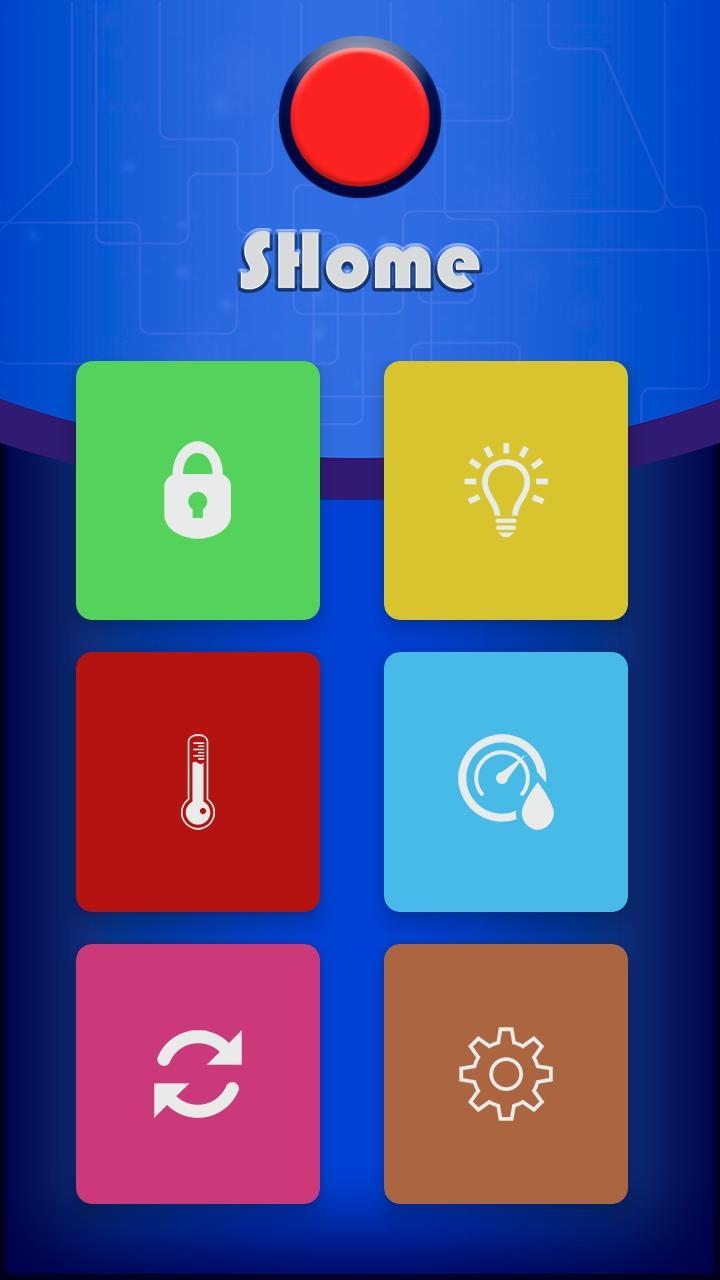
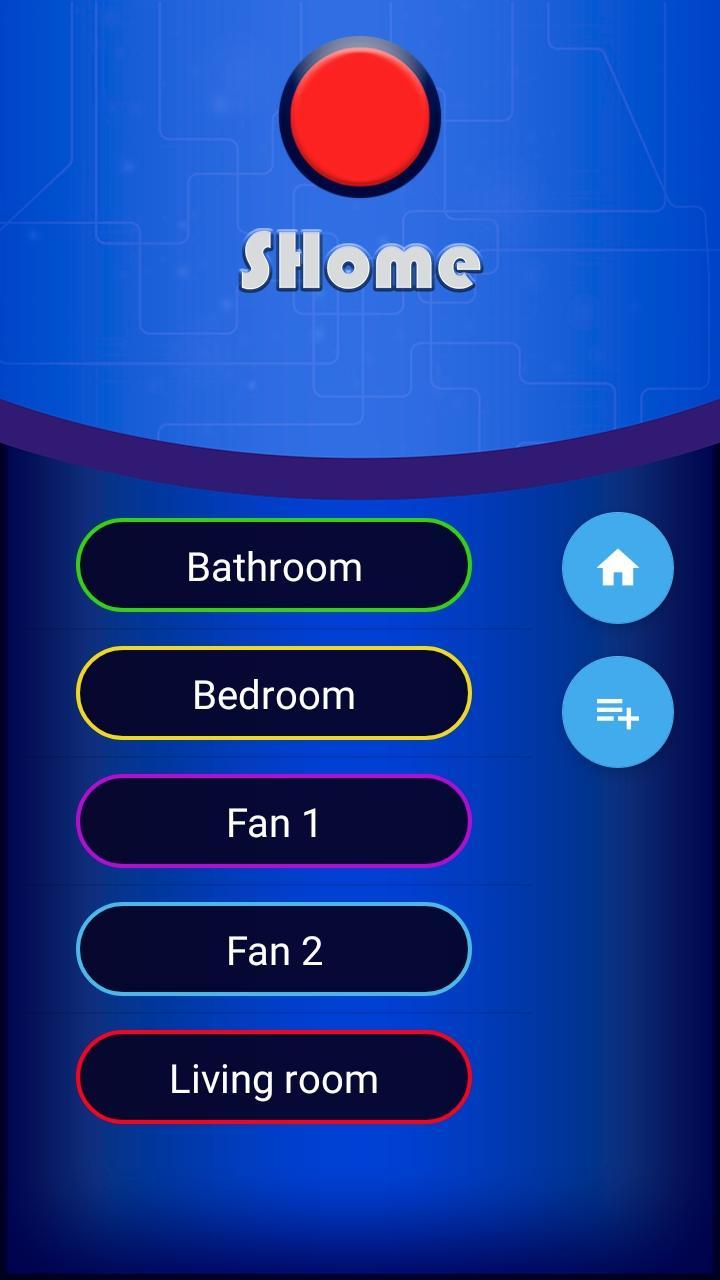
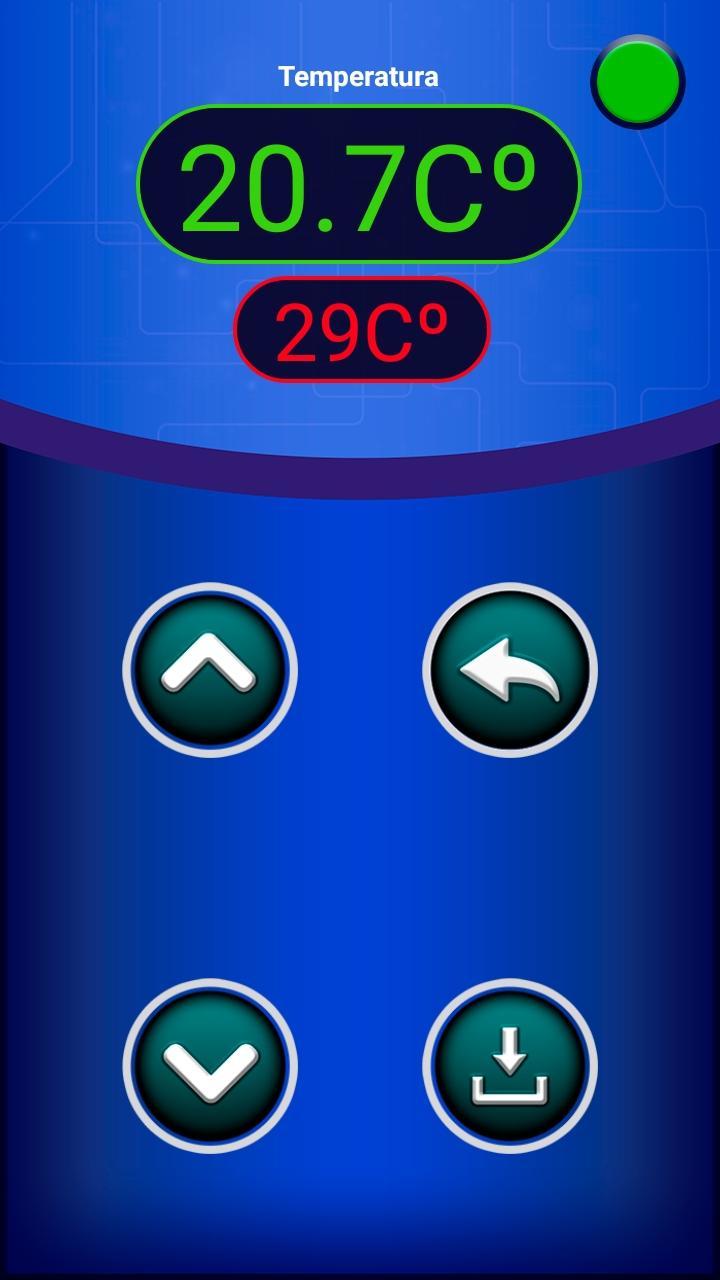
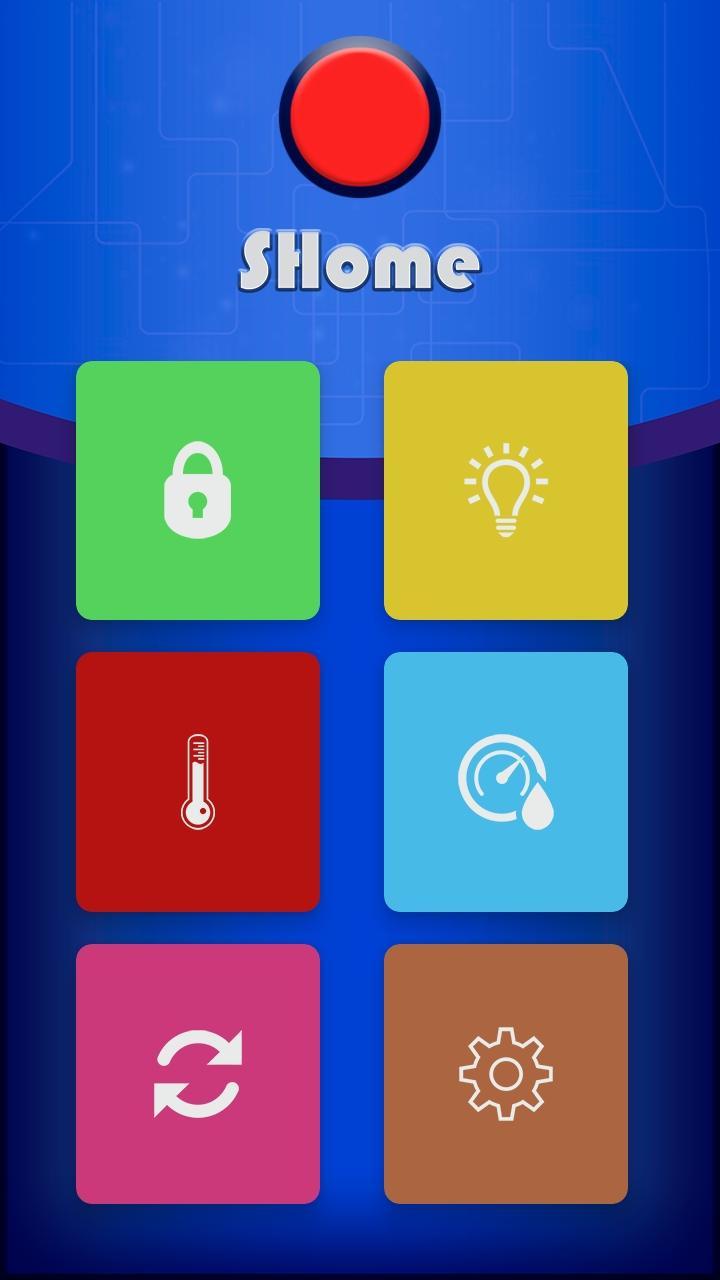
SHome is a project to control the house from an app. The app will be updated and I will add more options. It's a project i did some time ago but it was not updated and it's time to bring this project to life. The information of the new updates i will upload to my Blog in the SHome category, so i recommend you subscribe to my Blog to receive notification when i publish a new posts about my projects. This project is based on the Arduino microcontroller (as most of my projects). Low cost of this microcontroller, availability and easy use makes it ideal for this type of projects. Here I will explain in detail step by step how the app works and how to program the Arduino how to connect the circuit e.t.c. Smartphone goes everywhere with us, we can not even imagine life without it, that's why it is very comfortable to use our smartphone as a remote control for Smart Home projects. As always our smartphone is with us we can control the temperature, light, humidity among other things in a comfortable way. It is the idea of this project, to control from our smartphone the electric devices without having other controls. To be able to send the commands to Arduino we will use bluetooth connection. I personally like to use bluetooth module HC-05 or HC-06 because it is easy to use it has low cost and it is easy to get. The operation is quite simple, the smartphone sends commands by bluetooth and Arduino receives the commands and according to the received command activates or deactivates the relays. The relays can turn on and off the lights of the house or other electronic devices, whatever we want. We also have a DHT22 temperature and humidity sensor connected, this sensor controls the temperature and humidity, inside the app we can establish a limit for example if it exceeds this limit the temperature activates a fan to lower the temperature or if the temperature is too low the heating is activated. The same goes for humidity, we can set a value for humidity and if it exceeds this value a dehumidifier is activated. .
MY WEB PAGE : https://www.neco-desarrollo.es













 Download