• Home
  • Games
    Action-adventure Simulation Business Role Playing Sports Competition Casual Intelligence Card Strategy Music Rhythm Text Puzzle Flying Shooting Love Development
  • Apps
    Business Office Newsletter Social Life Entertainment Online Shopping Practical Tools Travel Financial Management Educational Learning Information Reading Sports and Health
  • Articles

English 中文(简体) 中文(繁体) 한국어 日本語 Português Español Русский العربية Indonesia Deutsch Français ภาษาไทย
Home Apps Practical Tools Bead Loom Pattern Creator
Bead Loom Pattern Creator

Bead Loom Pattern Creator

1
2
3
4
5
Download
  • Version 4.0.2
  • Category Practical Tools
  • Package Name com.crochetdesigns.beadloom
  • Update Time June 10, 2026
  • Size 25.91MB
About this app

Bead Loom Pattern Creator for your mobile device

Bead Loom Pattern Creator for your mobile device.

Comes with 4 free bead loom patterns. Download is free. To activate creation is $2.99

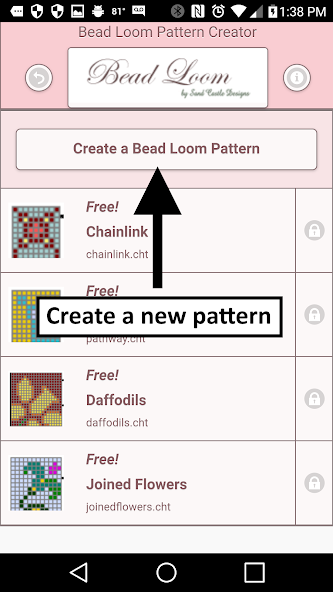
To create Bead Loom patterns, select Create a Bead Loom pattern button.

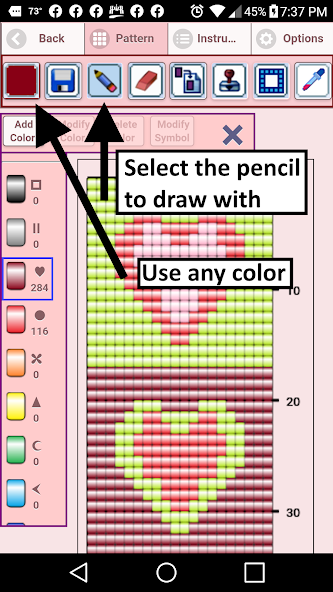
The Bead Loom pattern editor will appear. Fill in the squares with beads of any color.

To get started - Use the pencil to add beads to your bead loom pattern. Use the Eraser to remove beads from your pattern.

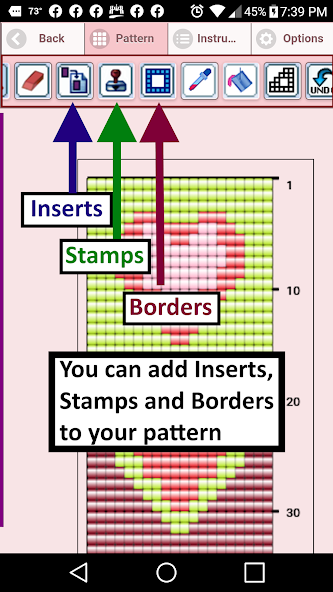
You also can select from over 400 stamps, inserts and borders to apply to your bead loom pattern.

Icons from left to right in the icon bar are:

Color icon - use to add new beads with different colors to your bead list.

Save icon - use to save your bead loom pattern

Pencil icon - use to add beads to your bead loom pattern

Eraser icon - use to remove beads from your bead loom pattern

Inserts icon - selectable list of bead patterns to add to your pattern (like roses)

Stamps icon - selectable little stamps (little bead designs) to add to your bead loom pattern

Borders icon - selectable borders to add to your bead loom pattern. Borders automatically wrap around your pattern.

Dropper icon - lets you extract a bead color from your pattern and add more of that bead to your bead loom pattern

Bucket icon - use to fill selected area with beads of the current color

Trim icon - remove squares from your bead loom pattern.

Undo icon - undo each last change you made to the bead loom pattern.

Redo icon - redo each changes you undid.

Cut icon - remove some beads from the pattern

Copy icon - copy some beads from the pattern

Paste icon - paste copied beads to the pattern

Zoom in icon - magnify the bead loom pattern

Zoom out icon - minify the bead loom pattern

Symbols icon - display a unique symbol on the bead to indicate it's color value

Picture icon - select a picture from your device and convert to a bead loom pattern

Social media icon - email etc. your pattern.

Trace icon - select a picture from your device and it displays over your bead loom pattern. Now you can trace it.

Resize bars - resize bars are display at the bottom right corner of your bead loom pattern. Drag them to resize your bead loom pattern
What's New in the Latest Version 4.0.2

Last updated on Dec 9, 2020 Bead Loom Creator - Create your own Bead Loom Patterns.
Added a trace feature. Now you can trace an image right on your pattern. Just select the trace button. When you are done tracing, just remove the image.
Download(25.91MB)
Users also viewed
  • Real Drum

    Real Drum

    11.4.3 September 9, 2026
  • View in Gujarati :  Read Text

    View in Gujarati : Read Text

    3.20.1 September 9, 2026
  • GO Locker Theme Color Smoke

    GO Locker Theme Color Smoke

    11.2 September 9, 2026
  • IC Weather for Japan

    IC Weather for Japan

    1.5 September 9, 2026
  • The Best Hashtags for Instagram

    The Best Hashtags for Instagram

    1.0 September 9, 2026
  • SwatchMatic

    SwatchMatic

    1.88 September 9, 2026
  • App Fetch

    App Fetch

    1.3.4 September 9, 2026
  • Catch HomeControl

    Catch HomeControl

    2.1.6 September 9, 2026
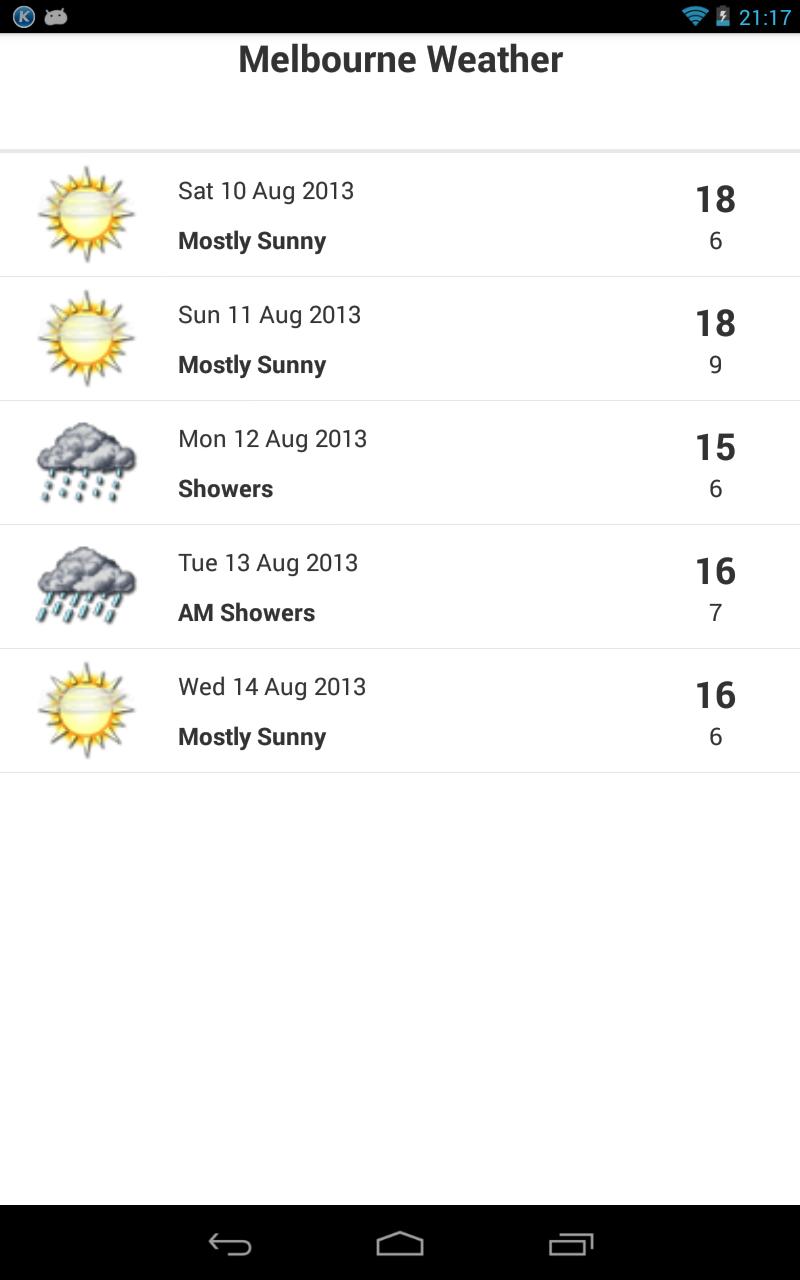
  • Melbourne Weather

    Melbourne Weather

    1.2 September 8, 2026
  • HalloweenClick GOLauncherTheme

    HalloweenClick GOLauncherTheme

    v1.0 September 8, 2026
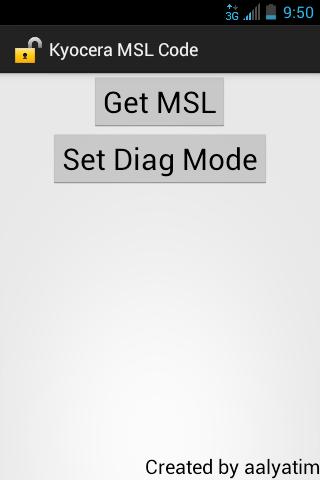
  • Kyocera MSL Reader

    Kyocera MSL Reader

    1.0 September 8, 2026
  • Barcode Generator

    Barcode Generator

    3.3.1 September 8, 2026
  • Leman Luxury Resident

    Leman Luxury Resident

    1.3 September 8, 2026
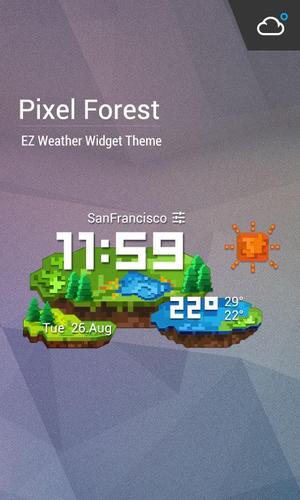
  • WeatherCraft Pixel Art Style

    WeatherCraft Pixel Art Style

    16.1.0.47180 September 8, 2026
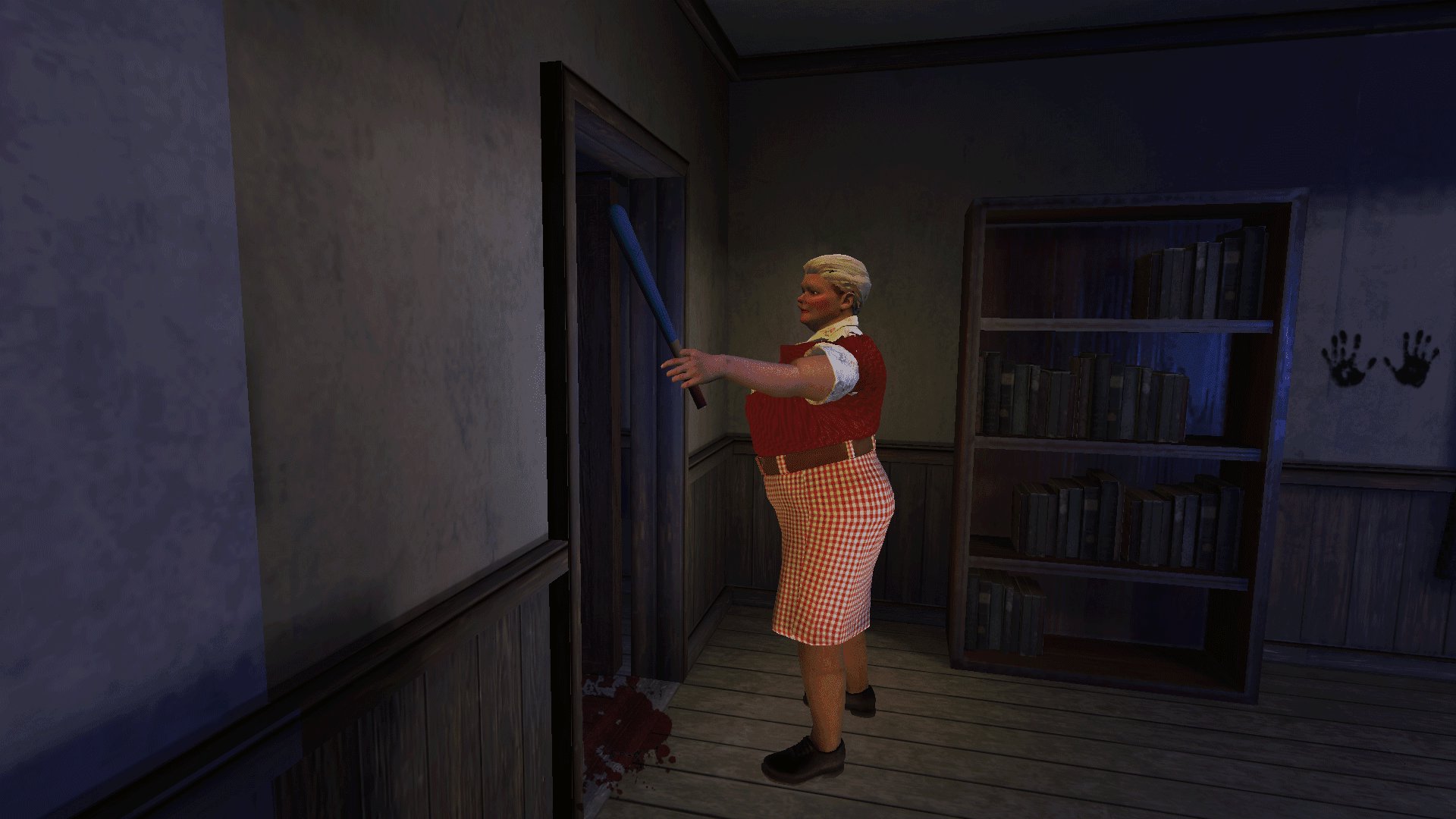
  • Granny Horror Game Offline 3D

    Granny Horror Game Offline 3D

    1.0 September 8, 2026
About Privacy Policy Terms of Service Cooking Policy

© Copyright 2017-2026 downzq.com