

Control your Electrolux Air Conditioner from wherever you are
Important note: a new Electrolux App is now available for your ControlBox WiFi and it will replace this version. Please download the new ControlBox App from the store:
https://play.google.com/store/apps/details?id=com.electrolux.controlbox
*****************************
Note: To use this application you also need the Electrolux ControlBox WiFi, an accessory for your Air Conditioner. Contact your nearest Electrolux retailer to find out more.
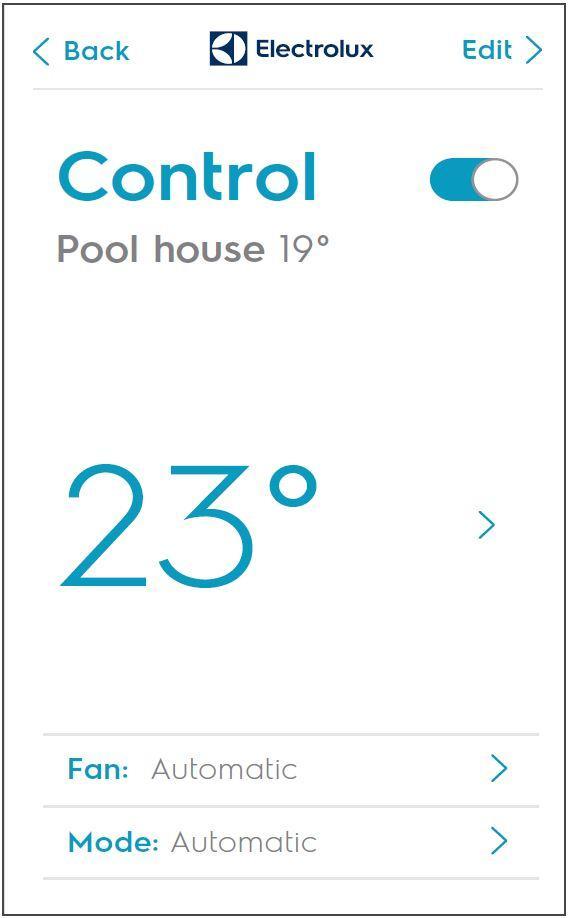
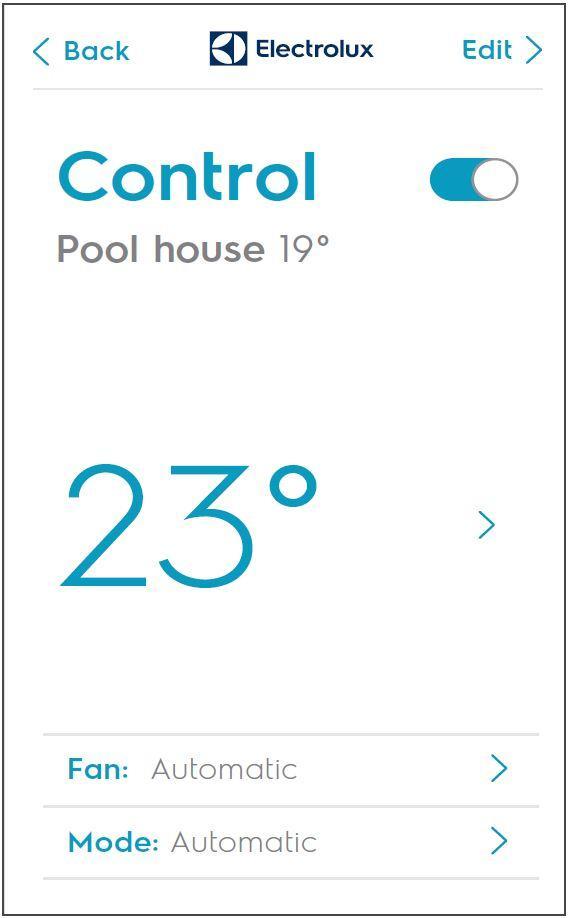
With the ControlBox WiFi app, you are able to control you AirConditioner from wherever you are. No SIM-card is needed for this system as the ControlBox connects over WiFi. You are able to add several different units in different locations to the app for remote control over a cloud solution.
Functions:
-Auto-identification of the IR signal of the AC
-Different Room management
-ON/OFF
-Temperature selection
-Mode selection
-Fan speed adjustment
-Latest Set up
-Current temperature
-High/Low temp alarm
Please follow the manual delivered with your ControlBox WiFi unit for setup of system.
Getting started:
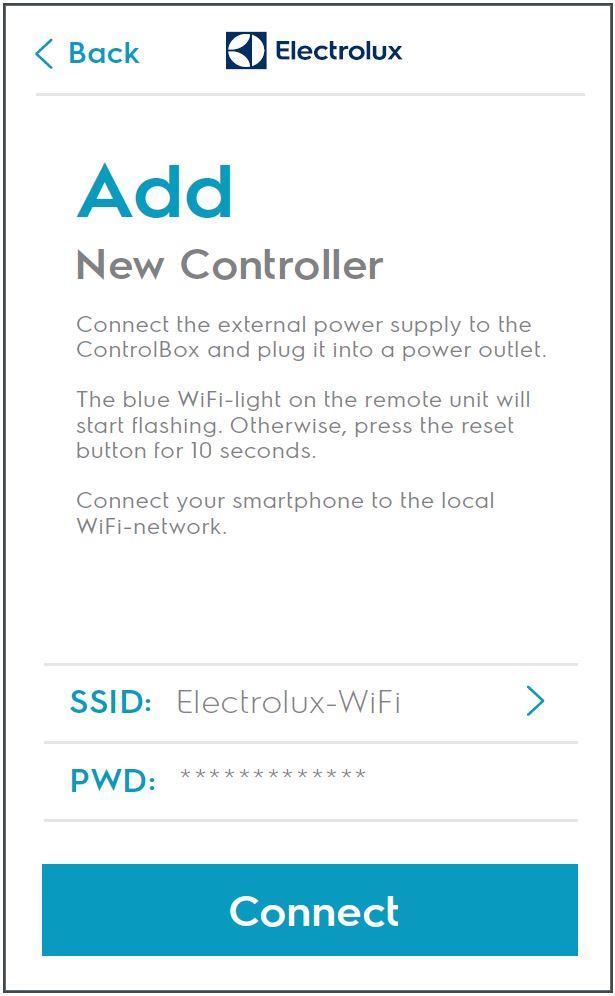
1. Plug the ControlBox WiFi device power supply into a power outlet.
2. Ensure the blue WiFi-indicator starts flashing rapidly at about 5-6 times per second. If not, please press the "Reset" button on the right side until it starts flashing.
3. Download and launch the Electrolux Air Control application to setup the controller.
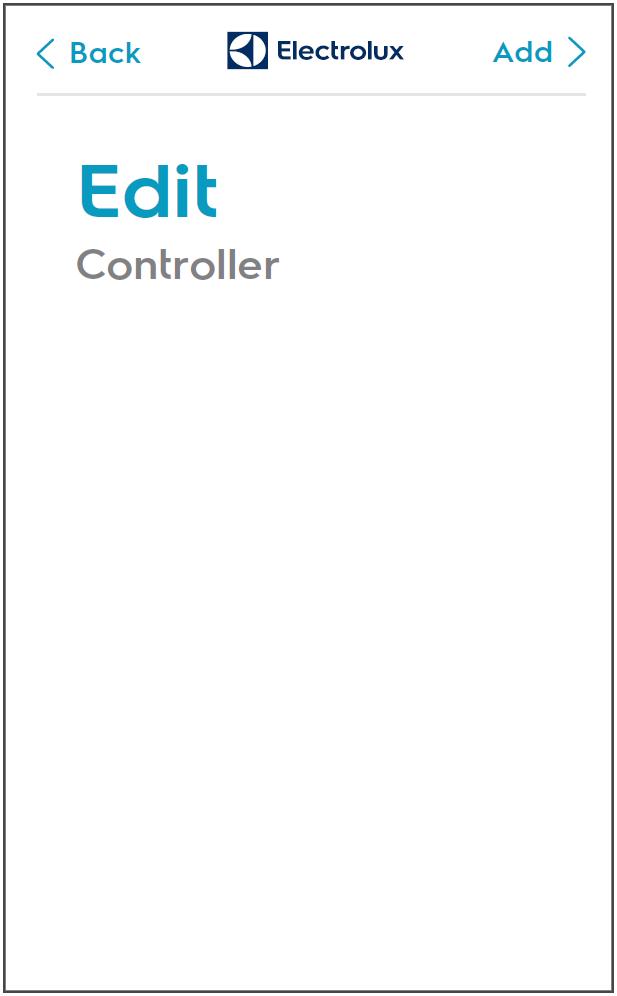
4. Open app, click "Edit" and "Add new controller" (ie controller of one AC unit)
5. Select WiFi-network, insert password and connect
6. Wait while the controller is being set up
7. Select product or Detect from remote control
8. Edit name of controller and tap "Save" to complete setup
9. Click "Back" to go to start page and use the controller
Different models of routers and devices may have firmware or settings that are not compatible with the Controlbox and the App. Electrolux continuously develops its solution in order to, as far as possible, support all commonly used devices and models in markets where the App is distributed, however Electrolux does not warrant compatibility of the system with specific mobile devices or other hardware.
© 2016 AB Electrolux. All rights reserved.


 Download