

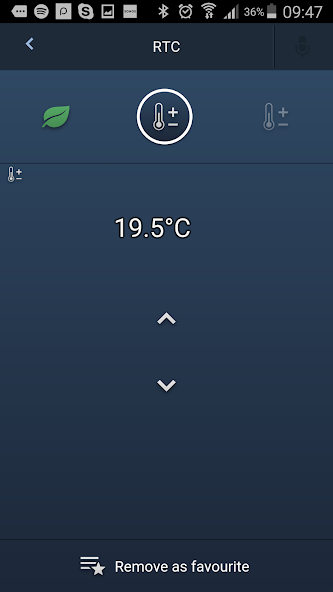
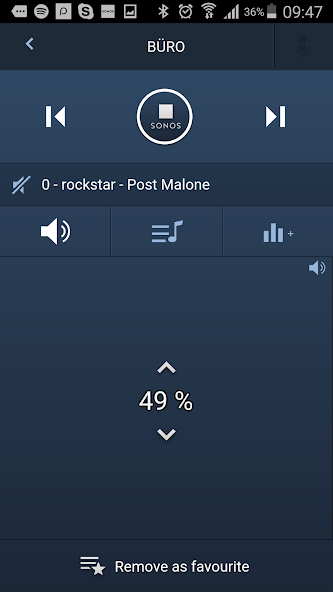
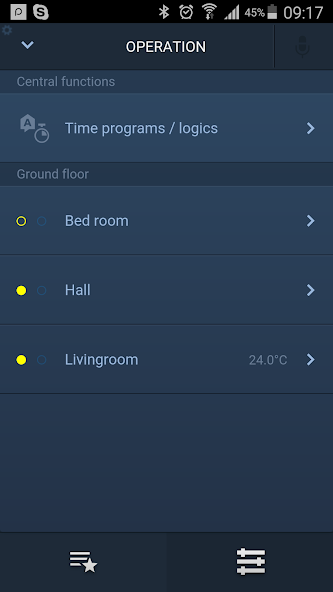
Smarter Home with the ABB-free@home app. Home automation easier than ever.
New features in this version:
New Menue structure and Support for Geofencing.
To enable Geofencing the Firmware of the System Access Point needs to be updated to version 2.1.4. This Update is automatically provided when the System Access Point is connected to the internet. The update process can be started by logging-in to the free@home user interface with installer rights.
On top of that Firmware 2.1.4 delivers the following enhancements:
Simplified user interface in the configuration through the merging of the “Allocation” and “Link” menus.
Favorites can be sorted individually
Geofencing: The new version allows automated actions depending on the geographical location of the phone or tablet.
Sonos: Integrated Sonos speakers can now be part of scenes and can be controlled through the free@home App.
App description:
This Smart Home app makes it possible to configure and operate your free@home system. It transforms your house or your apartment into an intelligent companion. Whether blinds, lights, heating, air conditioning, door communication or light scenes. You can call up all functions individually - whether via switch, voice control or app from your smartphone and tablet. This allows you to conveniently operate your home from anywhere in the house or anywhere in the world. Most functions can be controlled through the Widget, not requiring to call up the free@home App. Local use and remote control via myABB Living Space is safe thanks to the best point-to-point encryption*, and so easy to establish! With your mobile devices you can now surf on the Internet and at the same time control your heating or the lights or simply check the status with the same device.
Prerequirement for the use of the app:
The app only works with a free@home system installed in your home. It must be integrated in your home W-LAN to provide access for your mobile devices to free@home.
Initial commissioning for the professional:
Your PC/laptop/tablet must be located in the same W-LAN as the free@home System Access Point. If this is the case, jump to “Start of the free@home app”. If the System Access Point is not connected with your home W-LAN via a patch cable, establish a direct W-LAN connection to the free@home System Access Point. Check whether the left LED on the System Access Point lights up green. If necessary, press the left button and wait until the LED lights up green permanently. Then select the W-LAN connection with the name "SysAPxxx" in the network settings of your PC/laptop/tablet. The security code necessary for this connection is available on the backside of the cover of the System Access Point. Your PC/laptop/tablet will now connect itself directly with the System Access Point.
Start of the "free@home" app.
Tip on your user name and enter your password. If this is your first login, enter choose your password by entering it twice. The app will then automatically find the System Access Point of the free@home system and save the login password. Information on the network settings is available in the "BRIEF INSTRUCTIONS FOR USERS" which is enclosed with the System Access Point.




 Download