

These are well-known fairy tales "The Speckled Hen" and "The Turnip" in AR app
These fairy tales are well-known from a young age – now "The Speckled Hen" and "The Turnip" are right in front of you.
The "3D Folk Tales" mobile app is not used alone, but together with the live fairy tale book "Folk Tales", which you can order online or purchase in bookstores (you can find the book suppliers in your country on blueggvision.com).
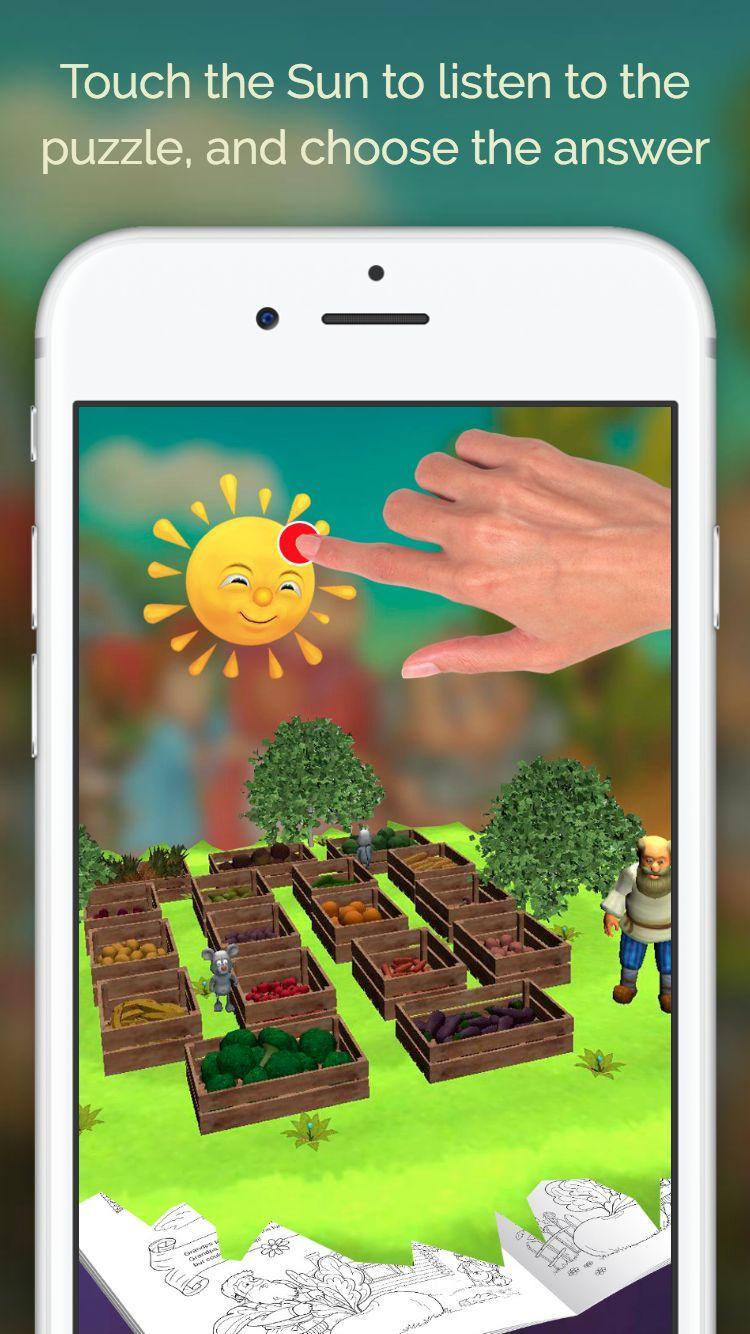
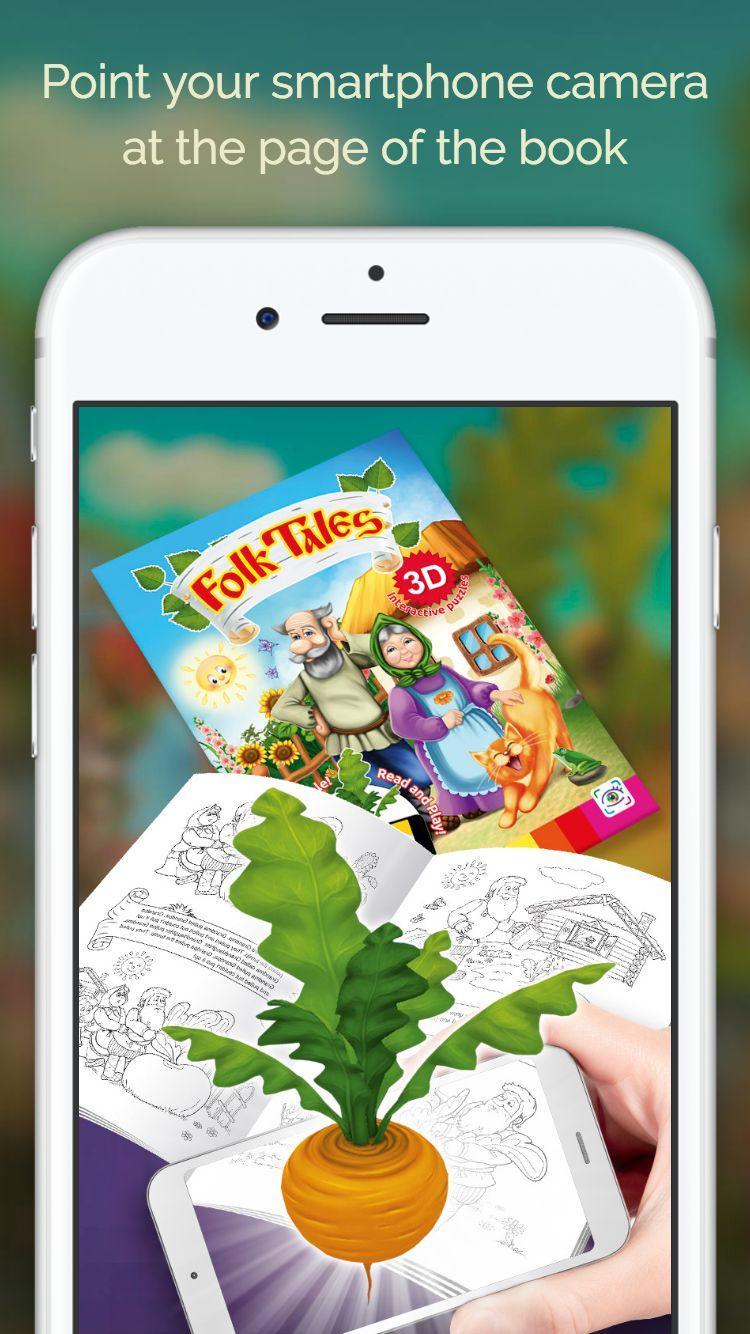
Favorite childhood characters come to life right on the pages of the book with the help of a special mobile app. Your child will be able to read the tale with you, paint pictures about The Turnip and The Speckled Hen, watch interactive animations right on the pages of a book, play with the characters, and answer a fun quiz about fruits and vegetables.
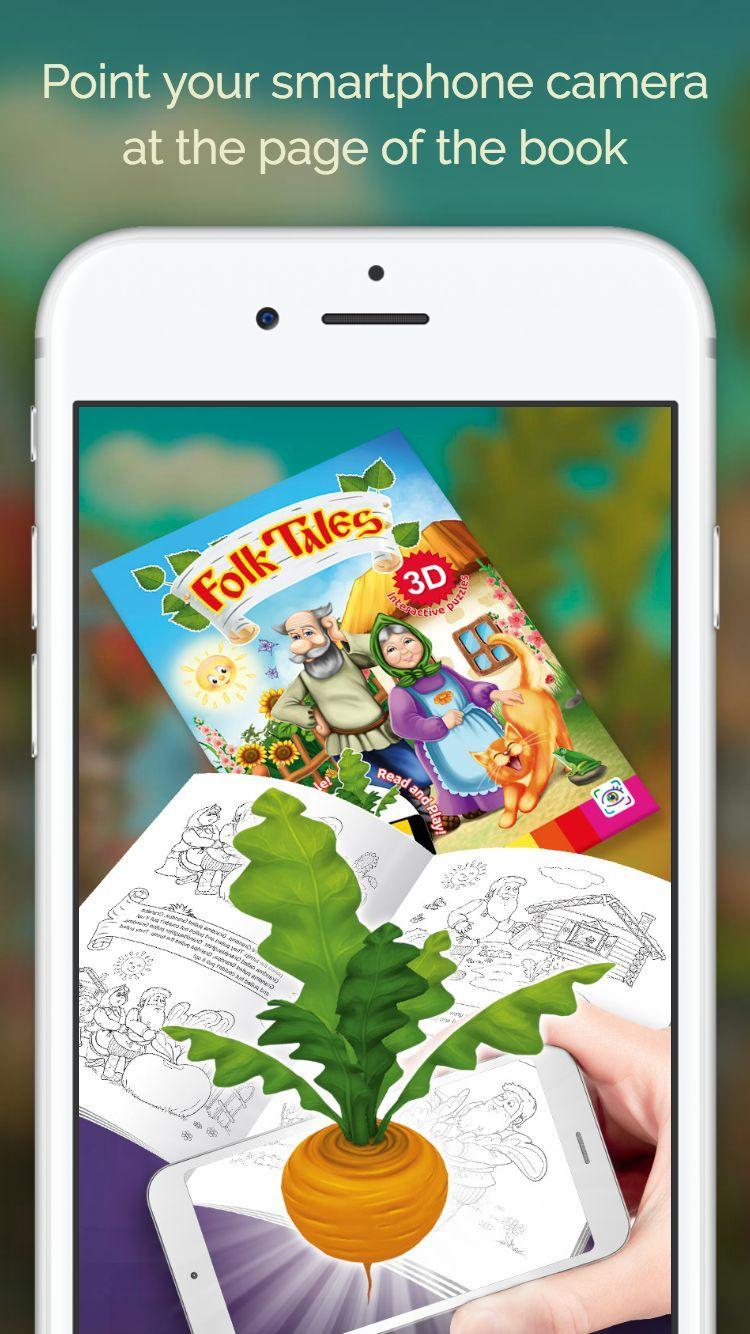
You will also be able to take pictures with the characters and post selfies on social networks. Point the camera of your mobile device at the page of a book and voila - there is an animated fairy tale in front of you!
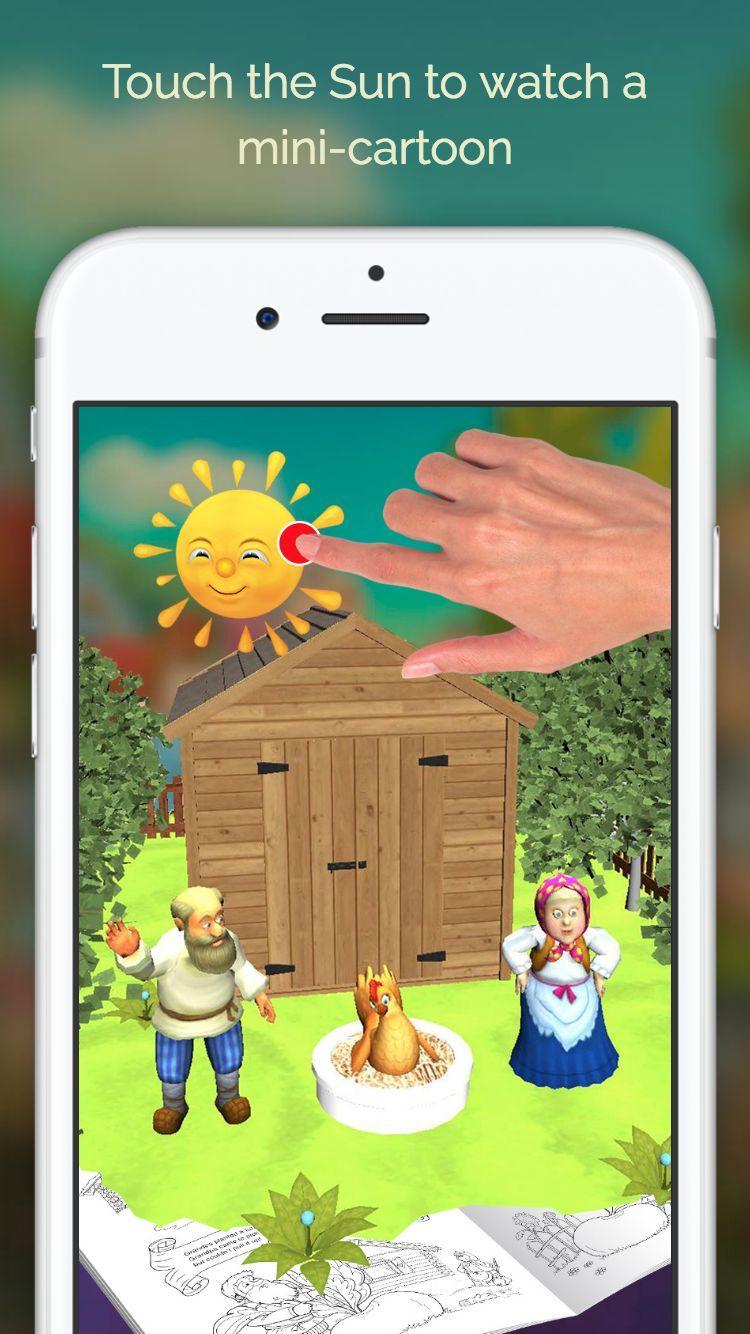
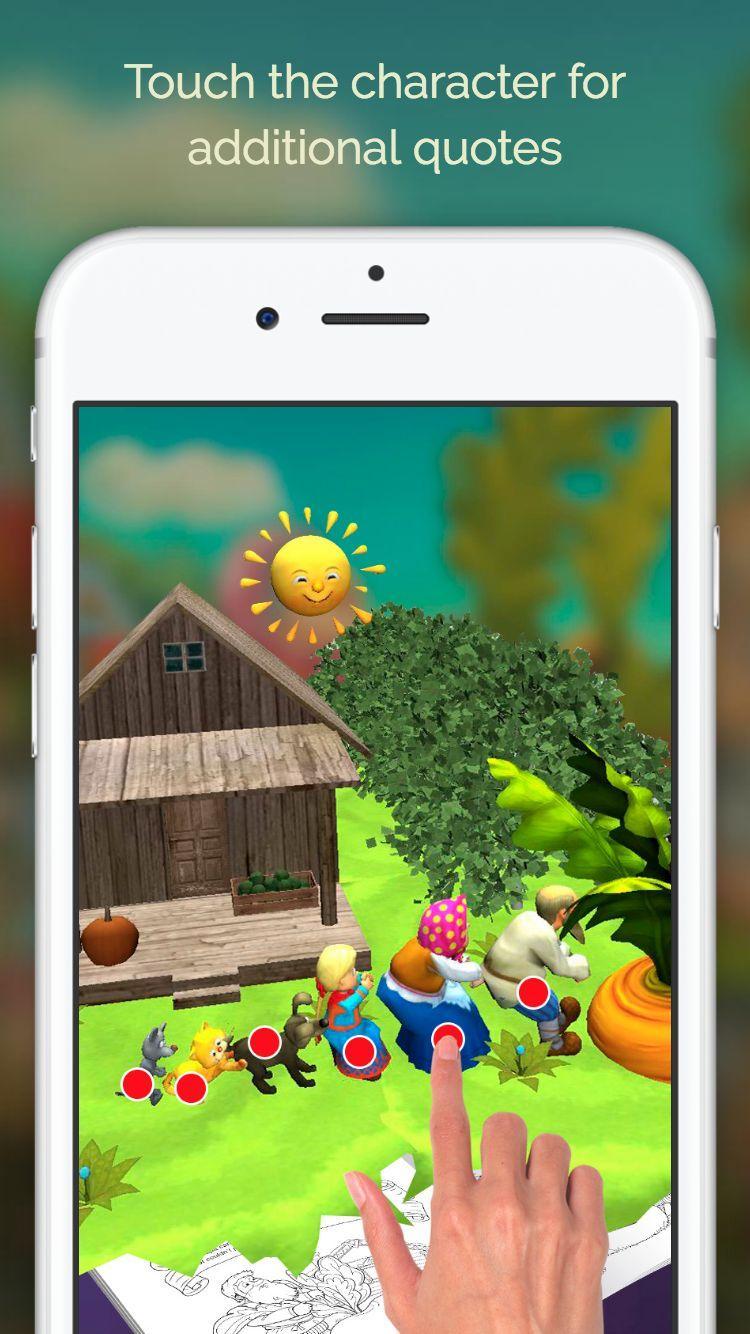
Touch the Sun to start the demonstration of the corresponding piece from a fairy tale on the page. After the mini-cartoon demonstration, touch the characters to hear additional quotes.
Use the bottom pop-up menu to take a picture, turn on or off the sound or the flash of your smartphone, as well as turn on the software autofocus. You can select the app language in the main menu. The top right button switches the camera from the front to the foreground mode.
Note: To ensure the smooth operation of the app, do not paint over the black contour lines of the coloring book.
APPLICATION ACTIVATION
When you first launch the mobile app to start the game, you will be required to activate the app. To do this, run the app and select “Play” from the menu, then "Register application", and then "Scan code". After this, point your smartphone camera at the QR code located on the license sticker on the back cover of the book, and wait until the app is registered. Registration requires internet access via WiFi. For each book, there is a limit on the number of installations - no more than 5 times for 1 book. If for some reason you do not have enough installations, email us at Customer Support on the site and we will try to help you.


 Download