

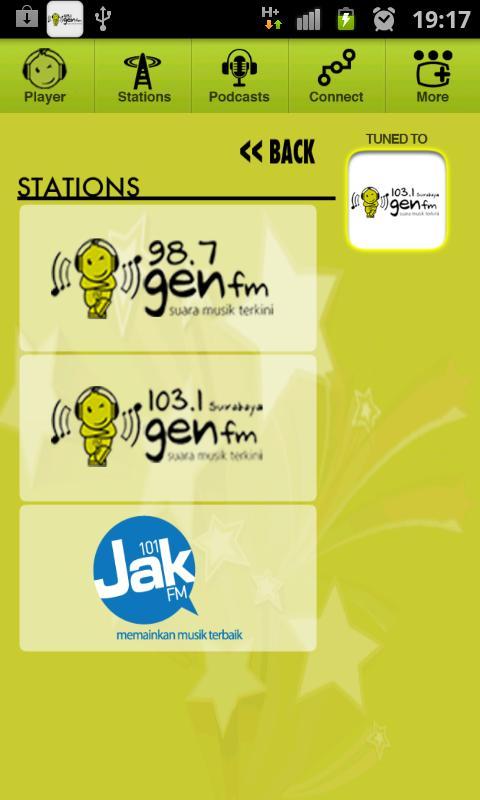
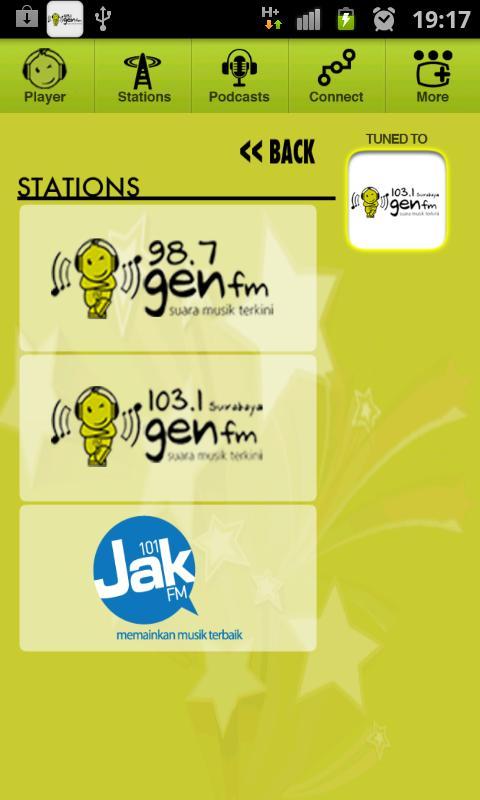
103.1 Gen FM - Surabaya - "Suara Musik Terkini"
103.1 Gen FM - Surabaya - "Suara Musik Terkini" - now streaming on your Android Phone!
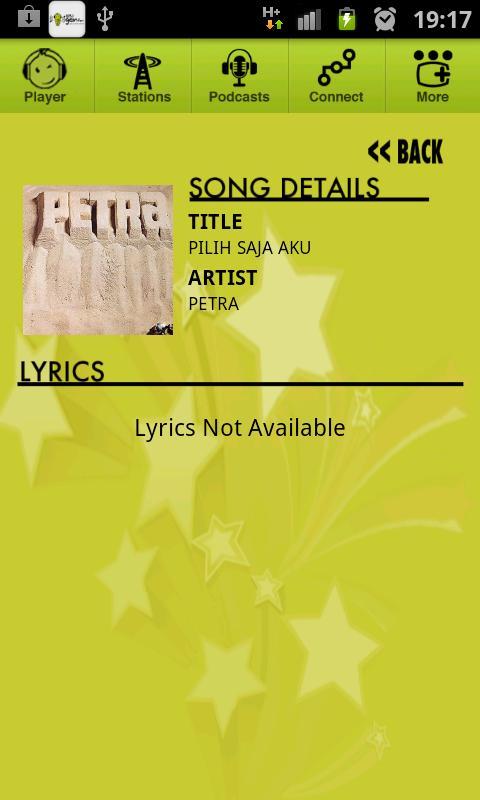
Accessing song lyrics:
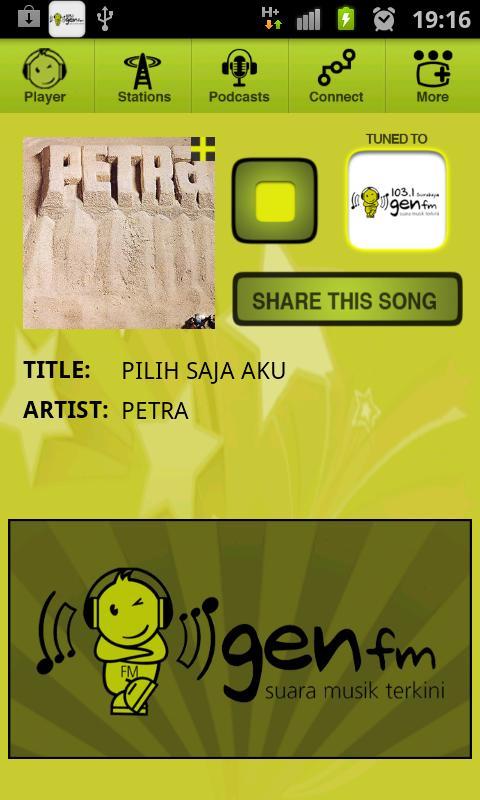
To access the lyrics view, tap on the album art when the "plus" icon is shown on the corner of the album art. If there is no "plus" icon, it means that the meta information for the current song is not available
For users of Samsung Galaxy S Model:
If you are experiencing slow response from the application during the first run of the application, this may be due to incompatibility of our decompression utility with Samsung Galaxy S's proprietary file system. To remedy this, you may try the following:
1. Let the application run for about 2 minutes without pressing any of the buttons or exiting the application so that all the required files are decompressed and stored in the phone cache. Subsequent runs of the application should be smoother after this process.
2. If the above method does not work, you can try changing the Samsung Galaxy S's file system to ext4 using Vooodoo lag fix. WARNING!! This option may cause irreversible changes to your device and RADIOactive takes no responsibility for any damages that may result. This option is only recommended for expert users. Visit http://project-voodoo.org/lagfix for the fix and installation instructions.
If method 1 is not working and you do not wish to perform method 2, you might be running too many processes in the background. Try closing some non-critical apps following these steps.
1. Press the HOME button.
2. Press the MENU button.
3. Select "Settings" from the menu popup.
4. Select "Applications" from the "Settings" list.
5. Select "Manage applications" from the "Applications" list.
6. Choose the "Running" Tab from the "Manage applications" page.
7. Select an application that you wish to close.
8. Press "Force stop" to close the application.
If you are still having problems, do not hesitate to contact us at [email protected].








 Download